On this page
It deserves the care. Our list of invitation ideas that work puts your song near the top for a reason: it is the strongest emotional shortcut an invitation has, and it costs nothing to add. Here is how to choose it: lyrics or instrumental, whose song it is, the exact second it should start, how it should behave on a phone, and the copyright limits that matter once the invitation becomes a video.
Lyrics or instrumental
A song with words says something to every guest who opens the invitation, so make sure it says what you mean. Families sometimes choose a song for its tune, then learn what the lyrics are about and change it. One family did exactly that this season and went with a track that has no words at all.
- A song with lyrics suits a song the whole family already knows and loves, one that is sung at your family's weddings anyway.
- An instrumental is the safe choice for a mixed guest list of elders, colleagues and guests from other communities. A flute, a shehnai or a sitar version of a familiar tune works well.
- A devotional opening, a shloka or a chant, suits families who want the invitation to begin with a prayer. Start it where the chanting starts.
Remember that the song plays under the whole invitation, not one function. An invitation website carries every function on one link, so the same song sits under the haldi, the pheras and the reception. A party song that is perfect for the sangeet can feel out of place on the page about the ceremony, while a gentle melody suits all of them.
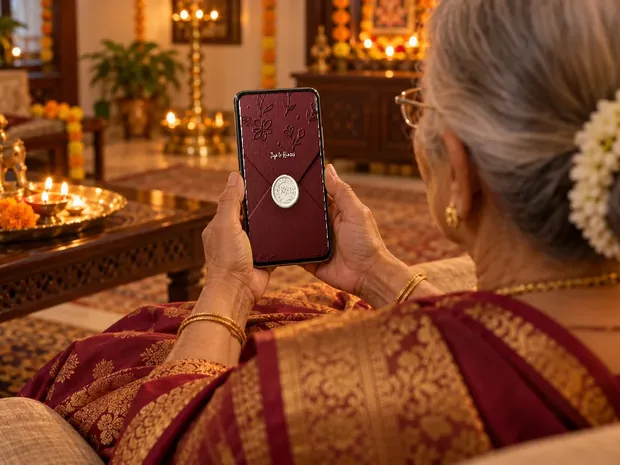
Think of who opens it, and where. Elders often open an invitation in a quiet room, sometimes late in the evening, and a soft opening is kinder than a loud chorus. Our guide to invitations elders can open has more on what they find easy and what they do not.
Bride's side, groom's side, or both
When both families send the same invitation, the song belongs to both. One family this season swapped the song the bride's side had chosen for one the groom's side wanted, a small thing that mattered to them. Settle it before the invitation is made, because the song is one of the first things every guest on both sides will hear.
If the two families each send their own link, as many do when they host different functions, agree on the song together all the same. Guests talk, and the two links still read as one wedding.
Pick the starting second
Most songs open with an intro that is lovely in a hall and slow on a phone. Guests spend only a few seconds on the opening screen, so start the song where it becomes itself: where the flute comes in, where the chanting begins, where the first line is sung. Families send us the title and the second, and one song this season started at 0:35.
- Play the song on your phoneNote the second where it reaches the part you love.
- Send the title, the version and the secondSomething like 'Kanda Kacheya Ne, from 0:35', with the file or a link to the exact version you mean. Different recordings of the same song can start very differently.
- Listen to the opening on the invitationOpen it on your phone the way a guest will. If the first few seconds do not feel right, move the start.
Songs families chose in 2026
Titles from invitations we made this year, with no family's details: Madhaniya, A Thousand Years, Kanda Kacheya Ne, Laavan, Sunehra and Aaj Sajeya. A folk song, an English love song, a wedding hymn: there is no single right answer, only the one that sounds like your family.
Whatever you choose, listen to it once more with your parents in the room. If they would be happy for their own friends to hear it, it is the right song.
How it plays on phones
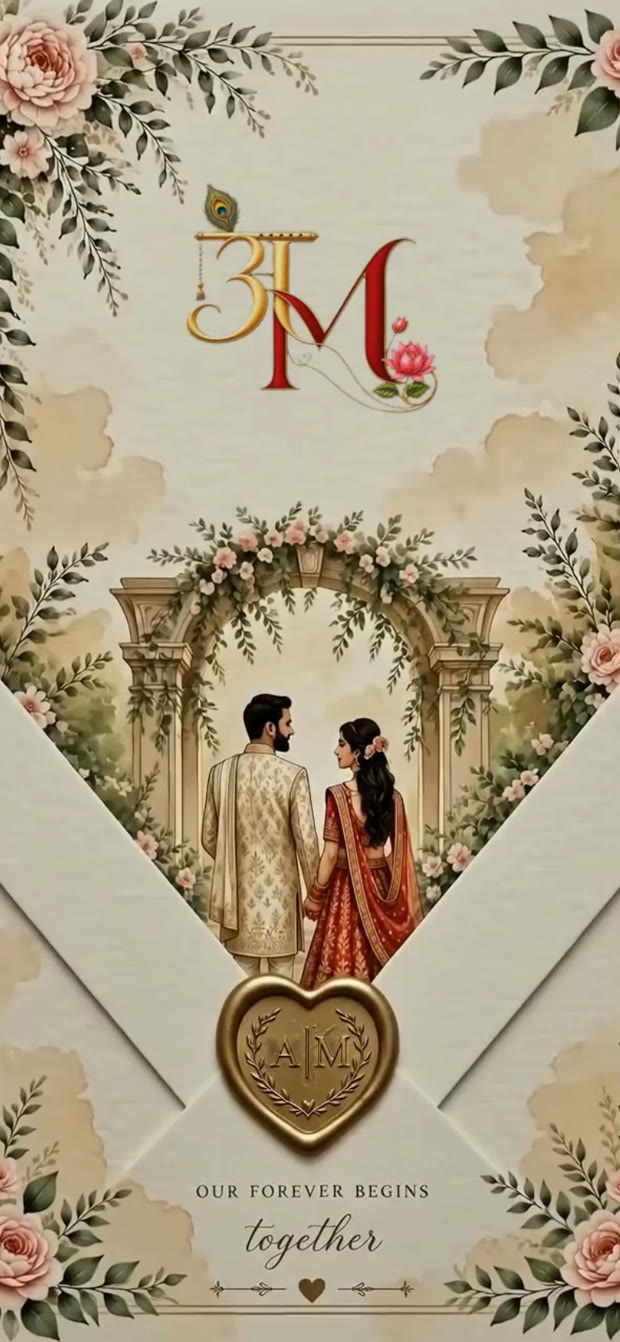
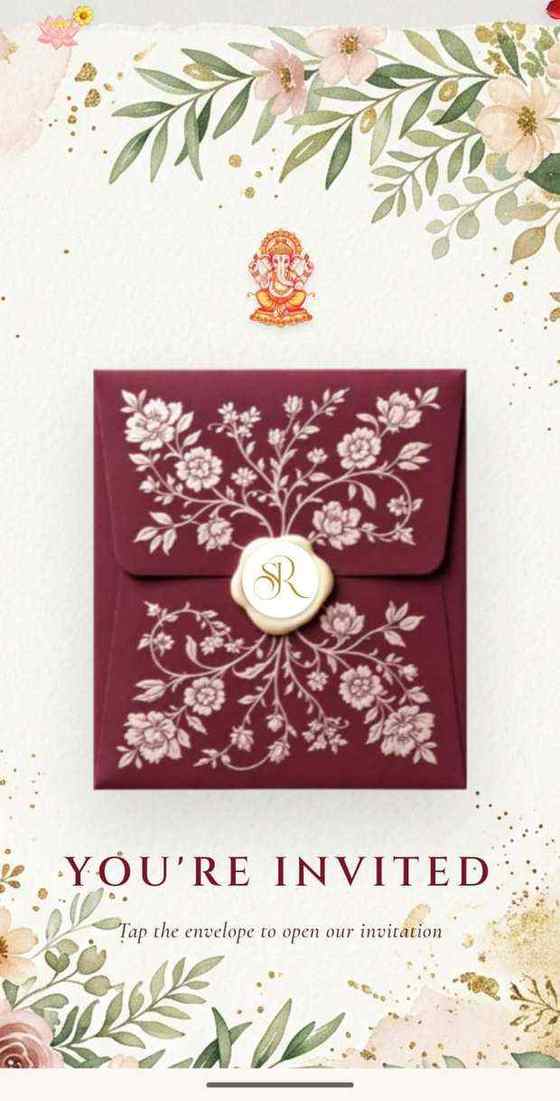
On our invitations the song starts with the opening tap, on the seal or the envelope, and pauses when the guest leaves the invitation or locks the phone, then carries on when they come back. Families have asked for exactly that: nobody wants music playing from a phone in their pocket. A small music button on the invitation lets any guest pause the song or play it again.
The opening tap matters for another reason. On an iPhone, Safari plays sound only when a person has started it with a tap, a rule Apple's WebKit team set out in 2016 (WebKit). An invitation that tries to start its music by itself can be silent on every iPhone while it plays on Android. You can hear how ours behaves in a live demo.
Copyright and Instagram
An Invifest invitation carries one song for the whole invitation, and you provide it. Under our Terms you confirm you have the right to use it, and if the song's owner or a platform objects, we can take it off the invitation and use another song you send in its place.
The video is where copyright bites. Instagram, YouTube and other platforms may mute or block a song they hold rights to, and that is their rule, outside anyone's control. If you plan to post the 4K video of your invitation (₹1,100) as a reel, expect that a famous film song may be muted there, and choose the song with that in mind.
Sending us your song
Everything we need in one message. Copy it, fill it in and send it with the rest of your details.
Song: [title], by [singer or band]
Version: [link to the exact recording]
Start from: [minute:second]
With words or instrumental: [your choice]
Gaana: [title], [singer]
Yeh version: [link]
Yahan se shuru karein: [minute:second]
Want these words on a real invitation? See the designs.
Invitation designs
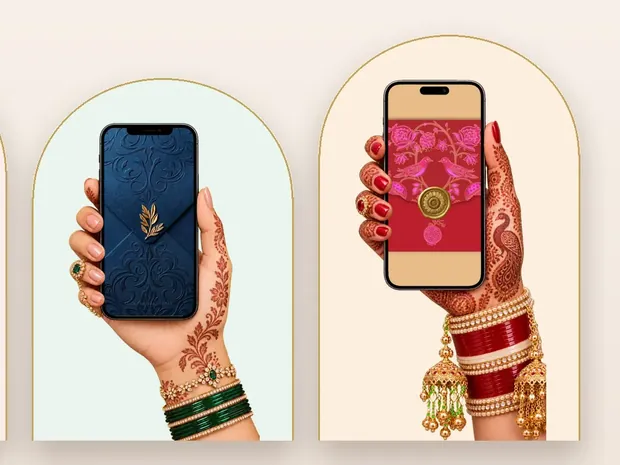
6 designs you can personalise, from ₹2,499. Open any one to see it full size, with a live demo.

Questions people ask
Which song is best for a wedding invitation?
One whose words you are happy for every guest to hear, or a soft instrumental if you are unsure. Start it where the melody opens, not at the intro.
Why doesn't the music play on an iPhone?
Safari on an iPhone only plays sound after a tap. A good invitation starts its song from the opening tap; one that tries to play music by itself may stay silent. Also check the phone's volume.
Can I use a Bollywood song on my e-invite?
You can choose any song you have the right to use, and with Invifest you confirm that when you send it. Platforms like Instagram may mute a copyrighted song in the video version.
Can the song start from a particular part?
Yes. Send the title, the exact version and the second it should start, like 'from 0:35', and the song begins there when the guest opens the invitation.
Can I have different songs for different functions?
Not on an Invifest invitation: there is one song for the whole invitation, so choose the one that suits all of it.
Will the music keep playing after a guest closes the invitation?
Not on ours. The song pauses when the guest leaves the invitation or locks the phone, and carries on when they come back.