On this page
We are a design studio, so read this knowing that; we have tried to say plainly when Canva is the better choice. Canva's details are from its own pages, opened in a browser on 27 October 2026.
What Canva does well
- Templates for invitation images and videos, with an Indian wedding category, edited with drag and drop on a phone or a laptop.
- A free wedding website builder. Its page says you can share the date and venue, "manage RSVPs and guest lists", cover dress codes and gift ideas, and publish a password-protected site.
- Help with the words and photos: Magic Write for a first draft of your story, and photo tools to clean up your pictures.
- Working together: a sibling or a friend can edit the same design with you in real time.
- A low price: a free plan, Pro Lite at ₹1,590 a year and Pro at ₹4,000 a year for one person, on its Indian pricing page.
For a small engagement, a one-evening reception or a simple save the date, that is all you need, and paying a designer would be paying for evenings you were happy to spend.
Where an Indian wedding outgrows a template
- Six functions, four venues. Each needs its own date, time, map pin and dress code. In an editor you build and check every one of those screens yourself, and keep them in step when one changes.
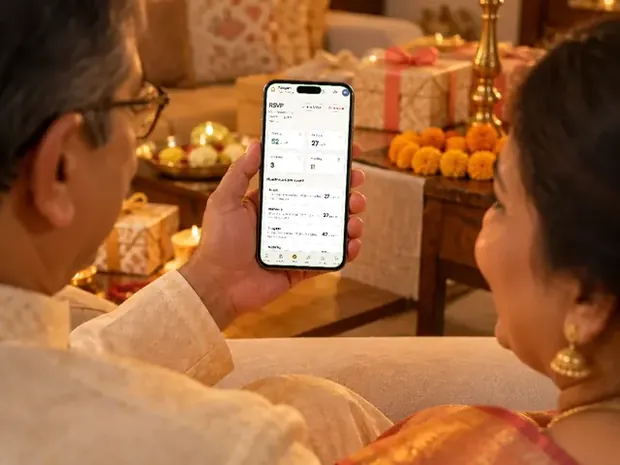
- Replies per function. The caterer needs a sangeet count and a wedding count, not one "yes". Check whether the form you set up asks which functions each guest will attend, and where the answers land.
- Who sees what. If the reception list is three times the haldi list, one public site shows everyone everything. The alternative is a separate version for each group, each kept up to date by you.
- Readability for elders. One bride told us her parents could not read the cursive headings on her invitation, and asked for a plainer font. Script fonts look lovely in a template and hard on a small screen.
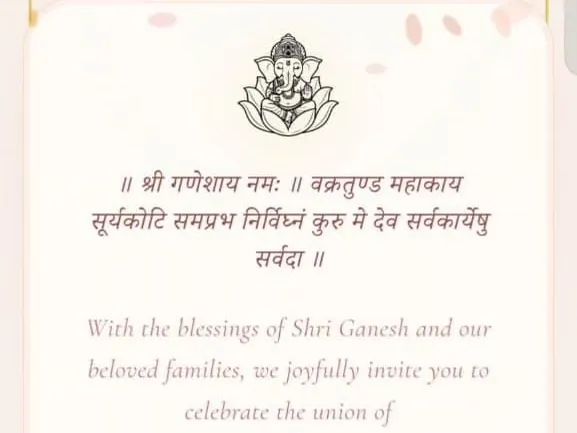
- Hindi and regional text. Typing Devanagari is easy; setting it well, with a font made for it and honorifics such as Chi. and Sau. in the right places, takes care. Have someone who reads Hindi well check every line.
- Changes after sending. A shared image cannot be corrected; a new one has to go out. A published site can be updated, but you are the one updating it, the night before the mehendi.
The real cost: money and evenings
Canva's money cost is small: free, or ₹4,000 a year for Pro. The bigger cost is time. Count the screens for a typical wedding: a cover, the family section, five or six functions with a map each, a dress code, photos and a reply form. That is a dozen screens to design, fill in and proofread, then test on an old Android phone and an iPhone, then correct when the venue for the haldi moves.
A designer's price buys those evenings back. Invifest's wedding designs are ₹2,499 to ₹7,000, paid once, with the first version within 3 days of your complete details and two rounds of changes included. Wedsmint, another studio that builds the site for you, charges ₹1,999 per theme. A fully custom design, drawn from scratch, is quoted per project.
A side-by-side table
| Canva Free | Canva Pro | Designer-made website (Invifest) | |
|---|---|---|---|
| Who designs it | You | You, with premium templates and more AI tools | A designer, from details you send on WhatsApp |
| Replies (RSVP) | Its page says you can manage RSVPs and guest lists; you set the form up | Same | A reply form, with replies in a free private console and Excel export |
| Maps | You add the venue details and links | Same | A map button for each venue |
| Different functions for different guests | A separate version for each group, kept by you | Same | A one-event link (₹999) or a personal link per guest with Aangan (₹3,000) |
| Hindi and regional scripts | You type and check them | Same | Set by the designer; Sindoori's Rooted theme puts Hindi beside English |
| How long the link lasts | Not stated on the pages we could open | Not stated | No expiry date and no yearly fee |
| Price | ₹0 | ₹4,000 a year for one person | ₹2,499 to ₹7,000, once |
Canva's help pages on free website limits did not open for us, so this table leaves out how many free sites you can publish and what a free site shows at its foot. Check those on canva.com before you rely on a free site.
A middle path
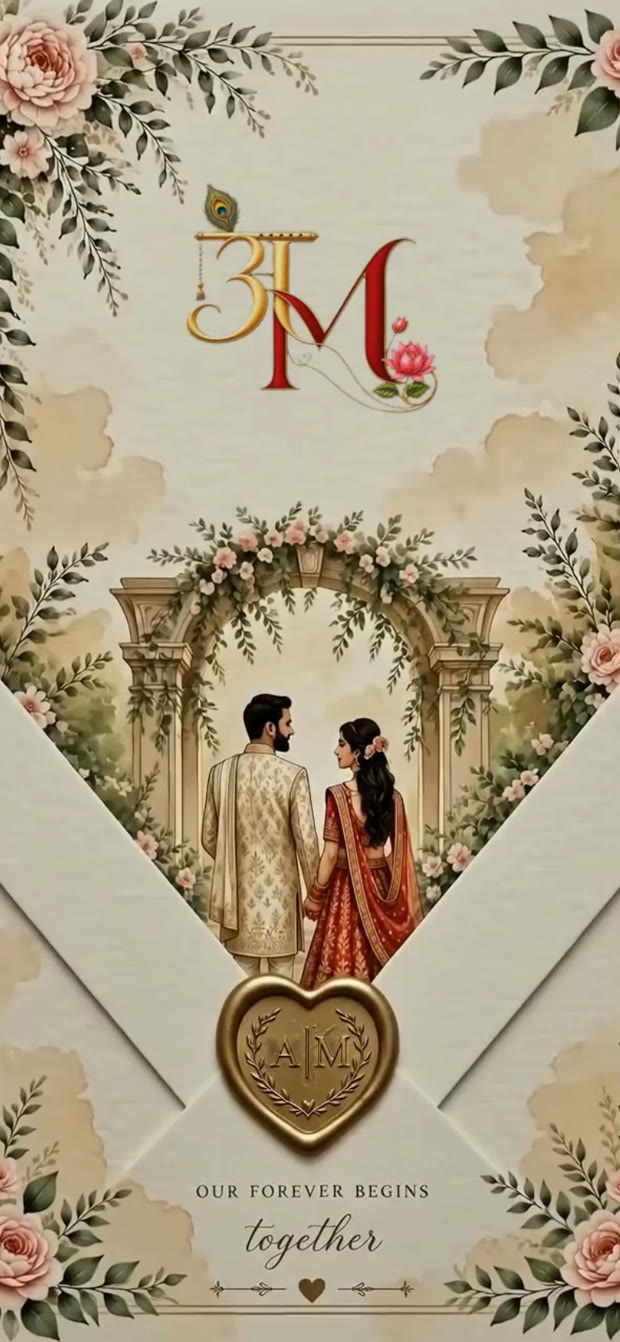
You do not have to choose all or nothing. Make the most personal piece yourself, a monogram or a save the date for Instagram, and hand the invitation with its functions, maps and replies to a designer. Families send us their own logos and monograms to use; one couple's was made with ChatGPT. What AI tools do well, and where they need checking, is in can ChatGPT make your wedding invitation.
And if Canva is enough for you, use it. Send it six to eight weeks before the wedding with a personal line, and call the elders. If you later want the full version, our comparison of 15 options and the cost guide will help, and a live demo shows what a designer-made one looks like on your phone. For more ideas, see unique wedding invitation ideas.
Invitation designs
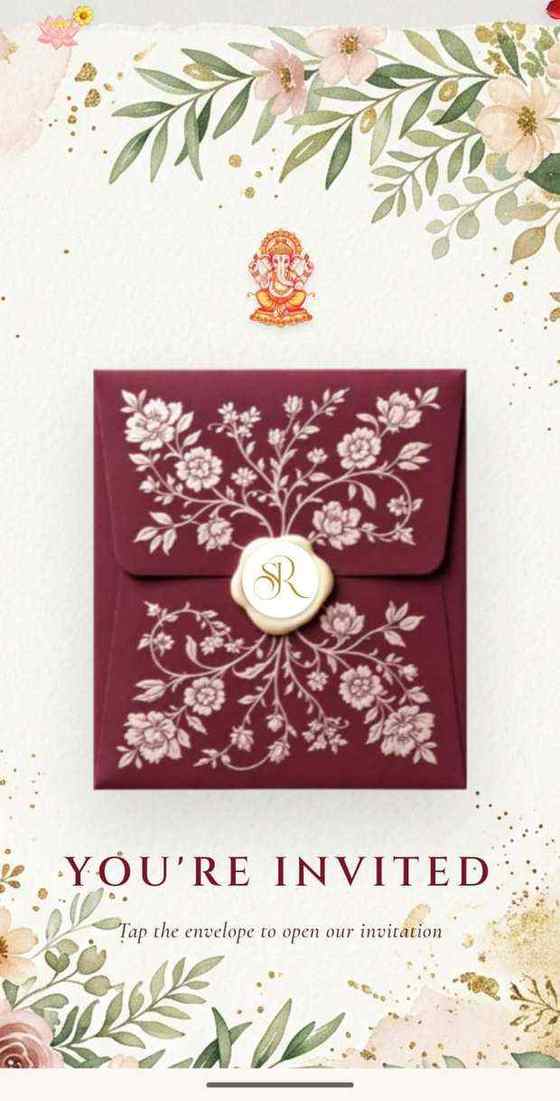
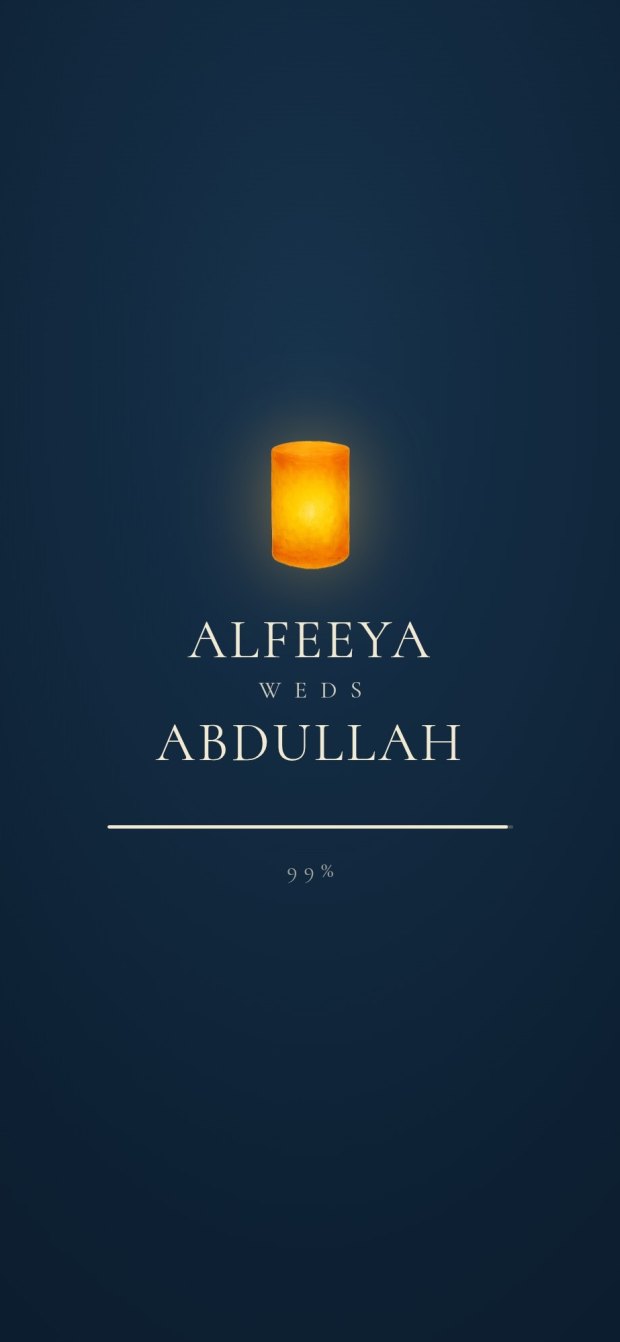
6 designs you can personalise, from ₹2,499. Open any one to see it full size, with a live demo.
Questions people ask
Is Canva good for wedding invitations?
Yes, for images and short videos you design yourself, and for a simple website. It suits a wedding with many functions, replies per function and different guest lists less well, unless you have the time to build and keep all of it.
Can Canva collect RSVPs?
Its wedding website page says you can manage RSVPs and guest lists on a Canva site. Before you rely on it, check whether the form can ask which functions each guest will attend, and where the answers are kept.
How much is Canva Pro in India?
On canva.com's Indian pricing page on 27 October 2026, Pro was ₹4,000 a year for one person and Pro Lite ₹1,590 a year, beside a free plan.
Can I make a wedding website on Canva?
Yes. Canva has a free wedding website builder with templates, and its page says you can publish the site with a password.
When should I hire a designer instead?
When you have several functions and venues, need replies per function, want Hindi or a regional script set properly, want some guests to see only some functions, or do not have the evenings. Invifest's designs are ₹2,499 to ₹7,000, made from details you send on WhatsApp.