On this page
We use AI image tools ourselves for parts of our artwork, and say so in our terms. So this is not a warning against AI. It is a list of what still needs a person.
What AI does well
- First drafts of wording. Ask for an invitation from the bride's parents in English and Hindi, a sangeet line that sounds like your family, or a gentle way to say "blessings only", and you get options in seconds.
- Monograms and logos. One couple sent us a monogram they had made with ChatGPT.
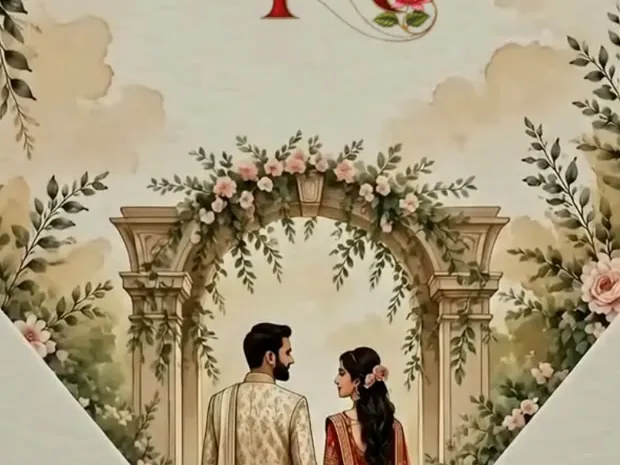
- Painted art. A watercolour of your city, a scene for each function, colours that move from haldi yellow to reception gold.
- Ideas when you are stuck. Prompt guides such as Digit's wedding card prompts for ChatGPT show how many couples now start here.
Where it goes wrong
- Names and dates. Text inside an AI image often comes out misspelt, and a drafted card can swap a date or a weekday without anyone noticing. Check every name, relation, date and weekday against your own list. Better still, ask for art with no words in it, and put the words in the invitation, where they can be corrected.
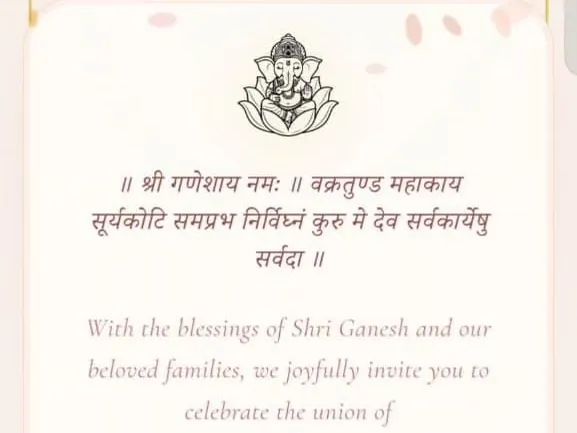
- Hindi and regional scripts. Devanagari inside an image can come out with wrong or broken letters, and a drafted line can use the wrong honorific. Have someone who reads it well check every word.
- Faces. One bride felt her illustrated portrait made her look fairer than she is, and our designers corrected the tone. Another groom's caricature had to be remade before it looked like him.
- The "too AI" look. One bride turned down caricatures because they "looked too AI" and chose a real photograph instead.
- Your family's order of things. A chatbot does not know whether your family's first card goes to Ganesh ji, which functions the groom's side hosts, or whose name comes first. An elder does.
What an AI image or PDF cannot do
A chatbot gives you a picture or a document. That is fine for a small, simple wedding. For five or six functions and a long guest list, the picture needs to sit inside something that can do the rest.
| AI image or PDF | Invitation website | |
|---|---|---|
| A map for each venue | No, only an address | Yes, a map button per venue |
| Replies per function | No, replies come as chat messages | Yes, a reply form with headcounts |
| Different guests, different functions | Only by making separate files | Yes, separate or personal links |
| Change a time after sending | No, a new file has to go round | Yes, the same link updates for everyone |
| Opens on any phone | Yes | Yes, in the browser, nothing to install |
The two work well together: use your AI art or monogram as the cover, and let the invitation carry the schedule, maps and replies. What an invitation website is explains the format, and how to make one covers the steps.
How Invifest uses AI, and how to opt out
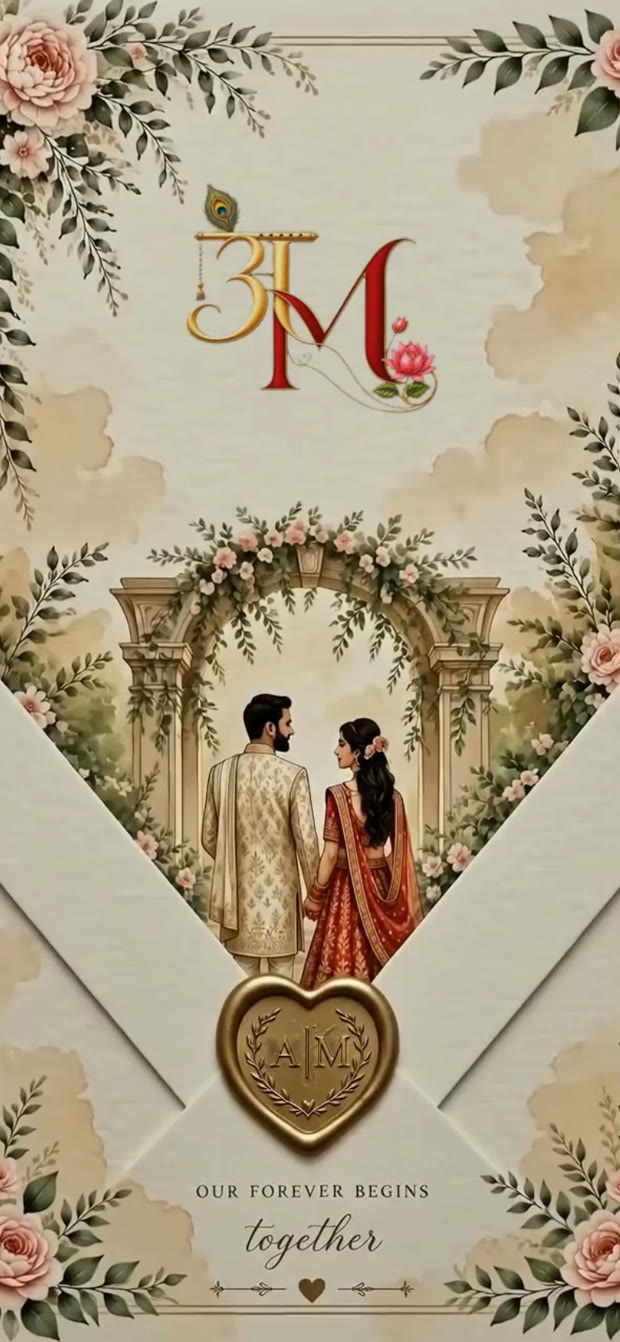
Some of our art, such as a painting of the two of you, a caricature or the pages of a Wedding Wardrobe, is made with the help of AI image tools, from the photos you send us. Those tools are run by other companies. Every picture is checked by our designers before it reaches you, and anything that looks wrong, a hand or a face, is fixed within your rounds of changes. If you would rather your photos were not used with AI tools, tell us before we start, and we will make that art another way or leave it out. This is section A6 of our Terms.
Our caricature of the two of you (₹600 as an add-on) is made this way and placed on every ceremony card of your invite. You choose its style once, before we begin, for example a cartoon, a 3D animated look or a hand-painted anime look. It comes with one round of changes to the drawing. For art made entirely to your own idea, a custom design is quoted per project.
A checklist before you send an AI-made invite
- NamesSpelled the way the family writes them, with the right honorifics (Shri, Smt., Chi., Sau.).
- RelationsWho is whose son, daughter or grandchild, and anyone who has passed marked the way your family wishes.
- Dates and weekdaysEach one checked against a calendar, not against the draft.
- TimesWith am and pm, and in IST for guests abroad.
- VenuesNames spelled correctly, with the map pin at the gate guests should use.
- Hindi and regional wordsRead aloud by someone who reads the script well.
- FacesApproved by the people in the picture.
- Functions and guestsThe right functions on the version each group receives.
If you are weighing a template tool against a designer, Canva or a designer covers that choice, and the Hindi wording guide has correct card matter to check an AI draft against.
Prompts you can copy
Paste one into ChatGPT, fill in the brackets, then check every name and date it gives back.
Write a wedding invitation from the bride's parents, [Father's name] and [Mother's name], for the wedding of their daughter [Bride's name] with [Groom's name], son of [Groom's parents]. It is a [Hindu / Sikh / Jain] wedding in [City] on [Date]. Make it warm and formal, under 80 words, first in English and then in Hindi. Add one short line each for the [Haldi], the [Sangeet] and the [Reception].
A soft watercolour painting of [a landmark of your city] at dusk, with marigold garlands, diyas and [your family deity or a mandap] in the scene, in [your colours]. Keep the top third of the picture plain, so the names can be added there later. No text, no letters and no people. Portrait shape, high resolution.
Want these words on a real invitation? See the designs.
Invitation designs
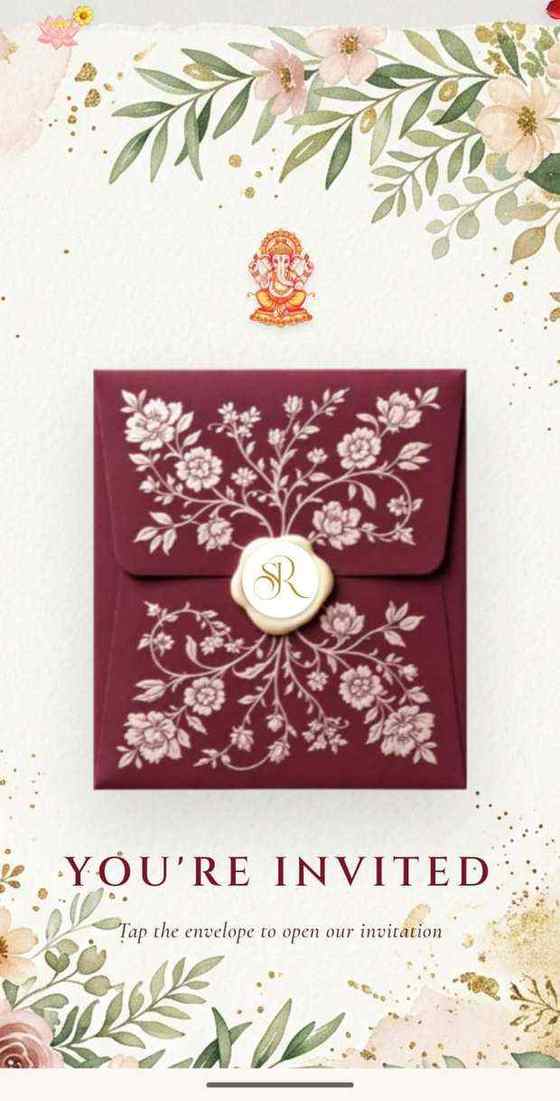
6 designs you can personalise, from ₹2,499. Open any one to see it full size, with a live demo.
Questions people ask
Can I make my wedding invitation with ChatGPT?
Yes, as a draft: the wording, a monogram, painted art. Check every name, date and Hindi word yourself, and remember that a picture or PDF gives your guests no RSVP, no map and no way to see a corrected time.
Are AI caricature invitations good?
They can be, but faces need a person's eye. Invifest's caricature add-on (₹600) is made with AI image tools from your photos and finished by our designers, in a style you choose once, with one round of changes to the drawing.
Is AI-generated Hindi text reliable?
Not without a check. Have someone who reads Hindi well read every line, especially the names, the honorifics and the shloka, before you print or send it.
Do invitation makers use AI?
Many do, for parts of the art. Invifest says so in its terms, has designers check every picture, and lets you opt out before work starts.
Can I use an AI image as my e-invite?
Yes, as the picture. Send it with a link that carries the schedule, the maps and the RSVP, so guests are not left asking for the details.