Private wedding website: who can see your invitation, and how to keep it to your guests
Can strangers find your wedding website on Google? What does a forwarded link show? Who can see your invitation, if a password helps, and what to keep off it.
An invitation link is unlisted, not locked: anyone who has it can open it. Keep it private in three ways: make sure search engines are asked not to list it, give guests links that show only their own functions, and leave off anything you would not show a stranger, because links get forwarded. A password helps only where a page holds real secrets. Every Invifest invitation asks search engines not to list it.
On this page
Families ask us two questions about privacy. Can someone find our invitation by searching our names? And what happens when a relative forwards it to a group we have never heard of?
The honest answer is that an invitation link is unlisted, not secret. Here is who can see yours, how to keep it off search engines, what a forward really shares, whether a password helps, and what to keep off the page. We make invitation websites, so where we describe our own, weigh it with that in mind.
Who can see your invitation
| Who | Can they see it? | What decides it |
|---|---|---|
| The guests you send it to | Yes | You |
| Anyone they forward it to | Yes, everything that link shows | Which link you sent: a main link shows every function |
| Someone searching your names | Only if the page is listed | Whether the page asks search engines not to list it |
| Everyone in a chat where it is shared | The preview: a picture and a title | The preview card the link carries |
Two of these you control before sending: what each link shows, and what its preview says. The other two depend on the service that hosts the invitation, so ask before you choose one.
Can strangers find it on Google?
Only if a search engine lists the page. A website can ask search engines not to list a page with a "noindex" rule. Google's own help says that when it finds that rule, Google "will drop that page entirely from Google Search results, regardless of whether other sites link to it" (Google Search Central).
Every Invifest invitation asks search engines not to list it, so it is found through the link you share, not through a search for your names. Some builders leave it to you: Joy, for example, has a setting called "Allow my event to be found on Google, etc." that you can switch off (Joy's help page).
To check any invitation, search for your names in quotes with the word wedding, a few days after it goes live. If it shows up, ask the service to stop it being listed.
Should you password protect your wedding website?
Many wedding website builders offer a password, and for some weddings it is the right choice. Here is what the best-known ones say on their own pages:
| Service | What its own page offers |
|---|---|
| The Knot | Password protection, switched on in the website's privacy settings, so only guests with the password can view the site |
| Zola | Keeps the wedding homepage private "with optional password protection" (its page) |
| Joy | A password for the whole site or for single pages, and settings to keep the event out of Joy's own search and off Google |
| Canva | A "password-protected site" on its wedding website builder |
| Wedence, Signature plan | "Private Access": "One-time code on the guest's phone", so that "Only numbers on your list get in" (its pricing page) |
What a password does well: it stops someone who comes across the link without the password. What it does not do: guests forward the password along with the link, every elder has one more thing to type, and a forgotten password becomes a phone call to you in the busiest week of your life. A one-time code on the guest's phone ties the site to your guest list, at the cost of one more step for every guest.
Invifest does not put passwords on its invitations. We keep them private in the other ways on this page: not listed on search engines, personal links that show each guest only their own functions, and nothing sensitive on an open link. If your website has to carry what you would never want a stranger to read, such as every guest's flights and room numbers, a service with a password or a phone code is the safer place for those details.
Keep private things off an open link
- Your home address. Name the venue, or a landmark near the house, and send the exact pin to the people who need it.
- The guest list. Nobody needs to see who else is invited.
- Guests' phone numbers, flights and room numbers. Send each guest their own details directly.
- Bank details or a payment code. A line about gifts is enough, as our no-gifts wording explains.
- Functions some guests are not invited to. Give those guests a link without them.
- Photos or a story you would not show a colleague. In Aangan, parts of the invitation can be switched off for some guests, where the design allows it, or keep them for a link that goes only to friends.
The full list of what to put on the page, and in what order, is in what to put on a wedding website.
Who else sees your guests' details
Ask any service this before you upload your guest list. Our answer: your guests' details are never sold, are seen only by our team and the services that host the invitation, and are deleted when you ask. Replies stay while the invitation is online, and are deleted if you ask.
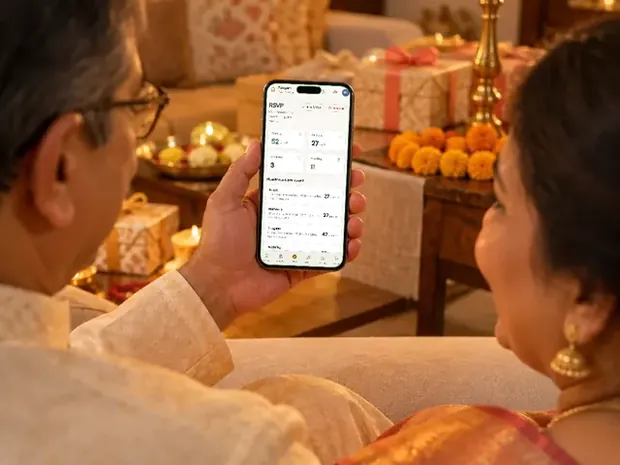
Aangan, the guest dashboard, is private to you and our team. It stays open until 30 days after your last function; you can export the list and every reply as an Excel sheet before then, and then everything in it is deleted for good. The full wording is in our privacy policy and our terms.
A privacy check before you send
- Search your namesA few days after the invitation is live, search for your names with the word wedding. It should not appear.
- Open a limited linkOpen the link you are sending to reception guests and look for the name of every function they are not invited to. None should be there.
- Read the previewSend the link to yourself. Are the picture and the title fine for anyone in any group to see?
- Read the page as a strangerIs there an address, a number or a photo you would not hand to someone you have never met?
- Decide who gets the main linkOnly the people meant to see every function.
If a guest asks whether your link is safe to open, our guide to telling a real invitation from a scam answers it for them.
Invitation designs
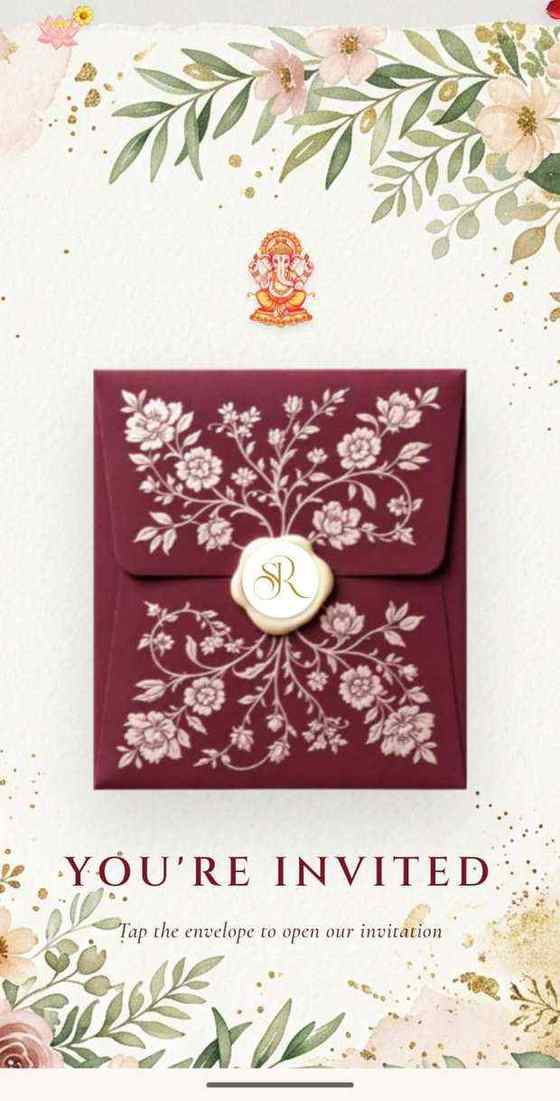
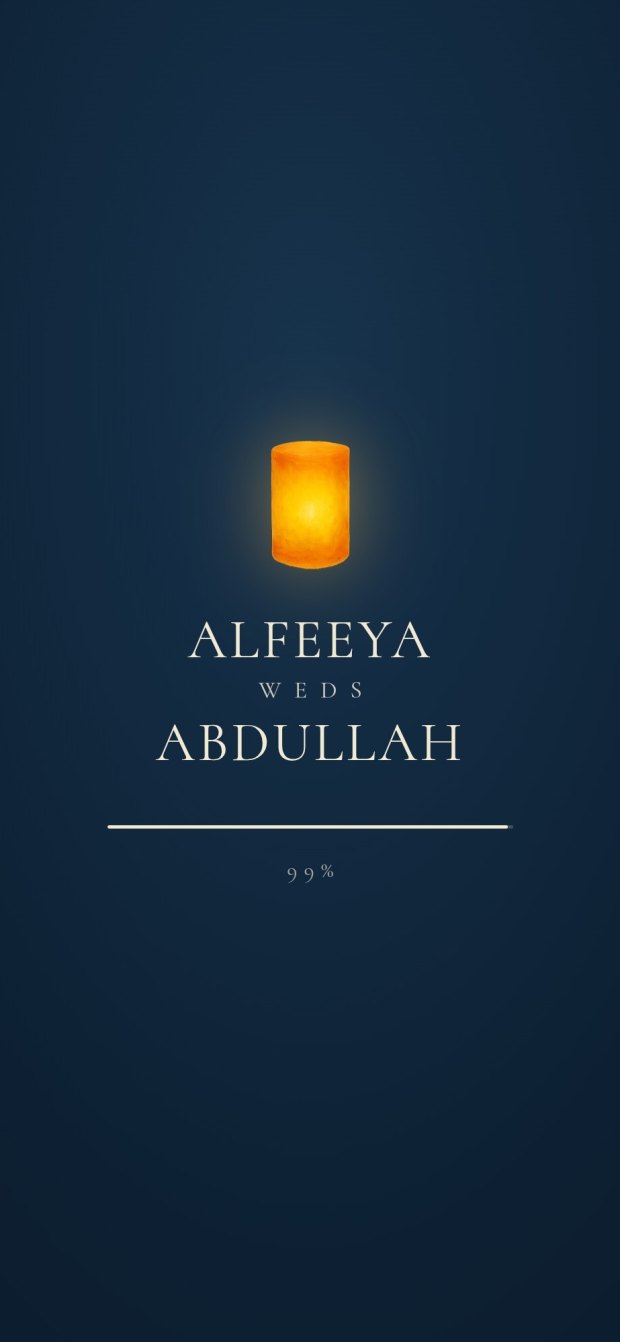
6 designs you can personalise. Open any one to see it full size, with a live demo.

Questions people ask
Is my wedding website private?
It is unlisted, not locked: anyone with the link can open it. It is private in practice if search engines are asked not to list it, each guest's link shows only their own functions, and nothing sensitive is on the page.
Can people find my wedding invitation on Google?
Only if the page is listed. A "noindex" rule asks search engines not to list it, and Google says it then drops the page from its results. Every Invifest invitation asks search engines not to list it.
Should I password protect my wedding website?
If it holds details you would never show a stranger, yes. For most Indian invitations a password mostly adds a step for the elders and is forwarded along with the link; personal links and a page with nothing sensitive on it do more.
Do Invifest invitations have a password?
No. Invifest keeps invitations private by asking search engines not to list them, by personal links through Aangan that show each guest only their own functions, and by keeping private details off the page.
What happens if someone forwards my wedding invitation?
Whoever receives it sees everything that link shows. Send the main link only to the people meant to see every function, and give everyone else a link with only their functions, so a forward can pass on only what that guest was invited to.
Can I stop guests from forwarding the link?
No service can stop a forward. You can decide what a forward carries: a link for each group, or a personal link for each guest.
Who can see our guest list and replies?
With Invifest, you and our team. Your guests' details are never sold, and Aangan deletes everything in it 30 days after your last function, sooner if you ask.
How do I make my wedding website private on The Knot or Zola?
Both offer a password, by their own pages on 27 October 2026: The Knot in the website's privacy settings, Zola as optional password protection for the homepage. Guests then need the password to open the site.