Digital wedding invitations for planners and photographers: how partners order for their couples
For wedding planners, photographers and studios: give your couples a designer-made invitation website with a partner code, confirm it and see RSVP counts.
Planners, photographers and studios can give their couples an Invifest invitation website through Invifest Business, our partners' app. You make a code for a couple and a design, the couple opens it and pays nothing, and you confirm and pay a partner price. Our designers then work with the couple directly, and you follow each step and the RSVP counts. Our maker's mark stays on it: this is not white label.
On this page
Some of the invitations we make are not ordered by the couple. They are ordered by someone working on the wedding: a planner who wants the invitation to look like the rest of the wedding, or the photographer who shot the couple's pre-wedding photographs. In October 2026 we gave those businesses an app of their own, Invifest Business, so that ordering for a couple takes a code and one WhatsApp message.
This page explains what your couples get, how an order runs from your side and from theirs, where your name appears and where ours stays, and how to start. Invifest is our own service, so weigh what we say with that in mind. The other tools named near the end were read on their own websites on 27 October 2026.
What your couples get
The same invitation a family gets when it orders from us directly:
- A designer-made invitation website. Made by hand by our designers from the couple's details, at its own link.
- Every function on one link. The haldi, the sangeet, the wedding and the reception, each with its date, time, venue and a map button (how a multi-event invitation works).
- Their photos and their song. One song for the whole invitation and, depending on the design, a photo gallery and a live countdown.
- A reply form, where the design has one. Guests answer on the invitation, and the replies reach the couple's own private RSVP console, free with the invitation (RSVP for an Indian wedding).
- Nothing to install. One tap in WhatsApp opens it in the phone's browser, with no app and no login, so grandparents can open it too (invitations elders can open).
- Two rounds of changes and a link that lasts. The link already shared updates by itself, and it has no expiry date and no yearly fee (Terms, A9).
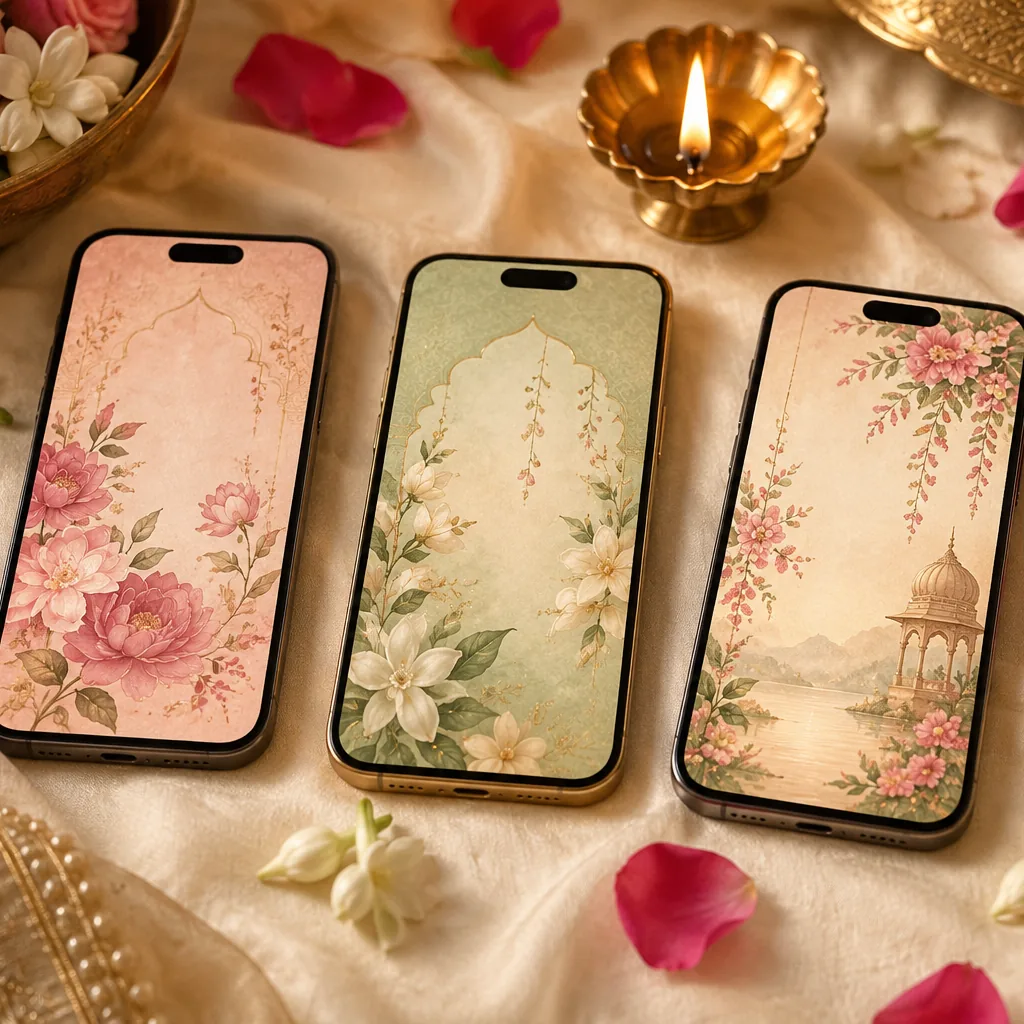
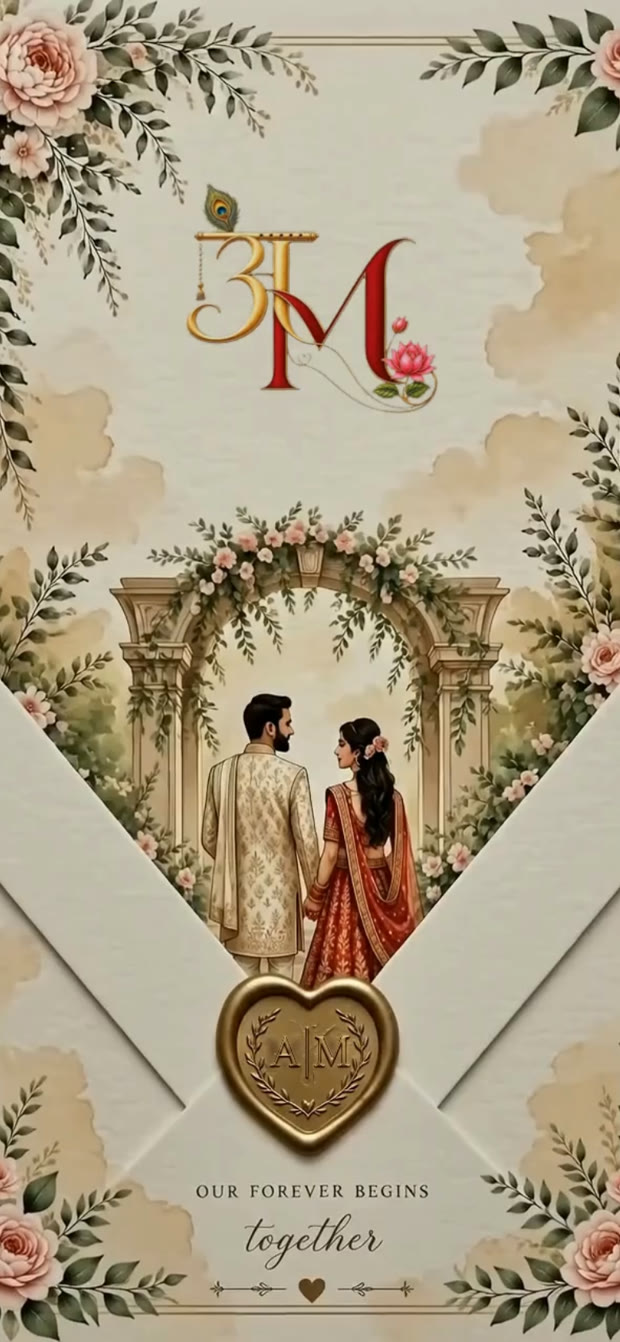
You choose the design for each couple: any ready design in our catalogue except the Ganpati festival card, which covers Hindu, Muslim, Christian, Sikh and South Indian weddings, an engagement, baby showers, a birthday and a griha pravesh (every design). Each one opens as a live demo before you choose: open Sindoori's, for example. For an idea no ready design has, choose a custom design, drawn from scratch.
Your gift is the design. Anything the couple adds at checkout is theirs to pay: Aangan for a personal link for every guest, an invitation of its own for the other family, a PDF or a film of the invitation. Every price is on our pricing page.
How an order works from your side
You order in Invifest Business, our partners' app. It opens in your phone's browser and stays signed in, and for each couple it asks for little more than the design and the couple's names, plus their WhatsApp number if you want to send it in one tap.
- Make a codeTap New code, choose a ready design or Custom design, and add the couple. The app makes a code for that couple and that design, with your business's name in it.
- Send itSend it on WhatsApp with a ready message in English or Hinglish, or in your own words, saved once in Account. The message carries the design's link with the code already applied.
- Confirm and payWhen the couple confirms, the invitation waits for you. Confirm within 24 hours and pay your partner price through an ordinary payment link. For a ready design you can also confirm and pay first, before they open the code.
- Follow itEach couple moves through the same steps as any order: booked, we messaged the couple, details received, first look shared, changes asked, making changes, live. Each paid invitation has a PDF receipt in Payments, emailed to you once you add an email.
A custom design has no price until our team has had a short call with the couple. We then message you its price on WhatsApp.
Until you have paid, you can cancel a couple's code in the app. Once you have paid, the order follows our Terms: a full refund if we have not started it, and none once we have (A10).
What the couple sees
The couple never sees what you pay. Their side looks like this:
- Your messageA WhatsApp message from you saying the invitation website is your gift, with the link to their design.
- The checkout, with your giftThe design's page opens with your gift applied: your name, your logo if you have given us one, and nothing for them to pay for the design. They add their names, WhatsApp number and email, and confirm.
- Waiting for youTheir page says it is waiting for your confirmation, with buttons to message or call you. An email tells them the invitation is your gift, and another follows when you confirm.
- Our messageA person from our team messages them on WhatsApp for their names, dates, venues, photos and song.
- The first versionWithin 3 days of their complete details, on WhatsApp and by email, or in under 24 hours if they ask and we confirm it before we start. They send their changes to us directly.
- Their guestsThey share one link with their guests on WhatsApp (how families send it). With Aangan, every guest gets a link of their own that greets them by name (invitations with each guest's name).
Timelines, changes and cancelling
| When | Where it is written | |
|---|---|---|
| Your confirmation | Within 24 hours of the couple's choice; for a ready design you may confirm first | Invifest Business |
| The first version | Within 3 days of the couple's complete details; under 24 hours on request | Terms B1 |
| Changes | Two rounds, sent within 7 days of the first version; the shared link updates itself | Terms A5 |
| A mistake of ours | Fixed free, whenever it is found | Terms A5 |
| The link | No expiry date and no yearly fee | Terms A9 |
| Cancelling | Before you pay, in the app; after, refunded in full if we have not started, not once we have | Terms A10 |
Plan backwards from the day guests should receive the invitation, usually six to eight weeks before the first function (our invitation timeline). Make the code about two weeks before that. The clock starts only when the couple's details are complete (Terms A3), and details often arrive in parts: the last venue, the reception time, the grandparents' names. Two weeks leaves room for the details, the first version and both rounds of changes.
Your name and ours: why it is not white label
Invifest invitations are not white label. Every invitation carries our maker's mark at its foot, "Handcrafted for (the couple's names) by Invifest", with a link to us. It is part of the design and cannot be removed, and the designs, artwork and code stay ours, so they cannot be passed on as another studio's work (Terms, A8).
Your name is on everything around the invitation. The couple sees it from the first tap: the checkout says the invitation is a gift from you, with your logo; their page shows your name while they wait for your confirmation; and our emails to them name you.
On the invitation itself, a credit for your business is not standard. For one photography studio that paid for its couple's invitation, we added a line under the photographs crediting the studio, and the studio's name under our mark. If you would like something similar for a couple, ask us before you promise it to them.
RSVP counts, and what stays private
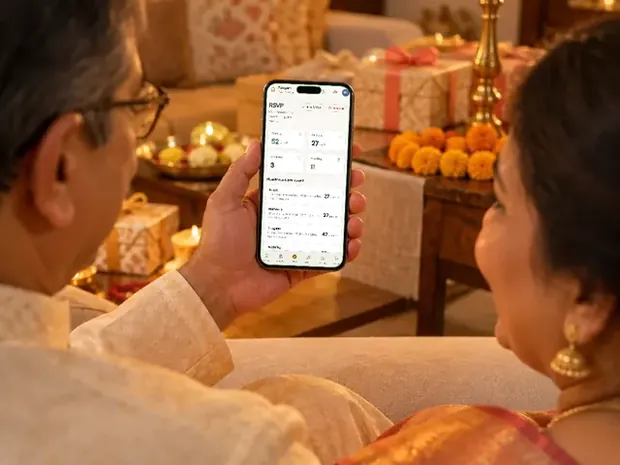
Once a couple's invitation is live, the RSVP tab in the app counts their guests' replies for you: how many are coming and how many are not, the number for each function, and, where the reply form asks, meals for the caterer and stays and arrivals for the hotel. It counts only where the invitation has a reply form, and it never shows who. The names stay with the couple, in their own RSVP console, because the guest list is the family's.
The rest is the same as any order. Every invitation asks search engines not to list it, so it is found only through the link the couple shares (private wedding websites). And we do not use a couple's invitation, names or photographs to promote our work without their written consent (Terms, A7). If the photographs on the invitation come from your shoot, that covers them too.
If you need planner software instead
Invifest Business does one job: it gets your couples a designer-made invitation and shows you where each one stands. It is not planner software. It keeps no enquiries, quotations or vendor payments, and it does not send messages to guests from a business number. If that is what you are looking for, these are built for it. Each was read on its own website on 27 October 2026:
- Planno, by Wedence, is a workspace for planners: enquiries, client weddings, vendors, payments and team logins. It is free for 2 months, then ₹7,999 a wedding or ₹59,999 for ten, and each wedding includes the couple's invitation on Wedence, with replies for each function and WhatsApp invitations and reminders sent for you.
- Weddingkart is guest management for planners: guest lists, WhatsApp invitations with the card you attach, one-tap replies and several weddings in one dashboard. It costs from ₹5,999 plus 18% GST a wedding, or ₹59,999 plus GST for five, and its own page says it is not a fit for photographers or venues.
- Folio, by Wedence, is a CRM for wedding businesses, from photographers to caterers and planners: enquiries, quotations sent on WhatsApp, payment plans and dates. Solo is free; Studio costs ₹899 a month, billed annually, plus GST.
Any of them can run your business while we make the invitation; nothing in Invifest Business depends on them. Our comparison of guest list and RSVP apps goes further on the guest side.
How to become a partner
- Message usOn WhatsApp or by phone, from our contact page. Tell us your business's name and what you do, and send us your logo.
- We set up your loginWe make your business's login for Invifest Business and add your logo. The app shows your partner price for each design before you confirm anything.
- Make your first codeChoose a design, add the couple and send it. Your billing details and your own message to couples are in Account.
Partners pay 13% less than the price on the design's page, for every design, and their couples pay nothing for the design. Businesses that order often can join the Partner Program, where every invitation paid from a wallet balance is 23% less. The short version of all of this is on Invifest for Business. Before you send your first code, open a few designs on your phone the way your couple will: twelve of them, and what makes each one work.
Invitation designs
6 designs you can personalise. Open any one to see it full size, with a live demo.
Questions people ask
Can a wedding planner order an invitation website for a couple?
Yes. In Invifest Business, our partners' app, you make a code for the couple and a design and send it on WhatsApp. The couple opens it and pays nothing, you confirm and pay a partner price, and our designers make the invitation with the couple.
Is Invifest available as a white label invitation?
No. Every invitation carries "Handcrafted for (the couple's names) by Invifest" at its foot, and it cannot be removed (Terms A8). Your name and logo appear where the couple meets your gift: the checkout, their page and our emails to them. A credit for your business on the invitation itself is not standard, so ask us first.
Do I have to pass the couple's details and changes to you?
No. Our team messages the couple on WhatsApp for their details, and they send their changes to us directly. You follow each step in the app, from booked to live.
How long does a partner order take?
Confirm within 24 hours of the couple's choice. The first version reaches the couple within 3 days of their complete details, or in under 24 hours on request, and two rounds of changes follow within 7 days. Make the code about two weeks before guests should receive the invitation.
Can I see my couples' RSVPs?
You see counts, not names: how many are coming and not coming, the number for each function, and meals, stays and arrivals where the reply form asks. The guests' names stay with the couple.
Who pays for add-ons like Aangan or the PDF?
The couple. Your gift is the design, and anything they add at checkout is theirs to pay, at the prices on our pricing page.
Do partners get a discount?
Yes. Partners pay 13% less than the price on the design's page, for every design, and the app shows the partner price before you confirm. Businesses that order often can also keep a balance in the Partner Program, and every invitation paid from it is 23% less.
Is Invifest Business wedding planner software?
No. It orders invitations for your couples and shows their progress and RSVP counts. For enquiries, quotations, vendor payments or WhatsApp sending from a business number, look at planner software such as Planno or Weddingkart, or a CRM such as Folio.
How do I become a partner?
Message us on WhatsApp or call, from our contact page. We set up a login for your business, and you can make your first code from your phone.