Wedding invitation PDF: when a file beats a link, and how to make one
Wedding invitation as a PDF, an image or a link? What each does on WhatsApp, PDF card prices we checked, how to make and print one, and when to send both.
A PDF is a fixed file. It prints well and suits elders who keep documents, but it cannot change after you send it, cannot collect replies and has no map button. A link updates itself and takes RSVPs. What we suggest to families: send the link to everyone, and keep a PDF of the same invitation for printing and for the few who ask for a file.
On this page
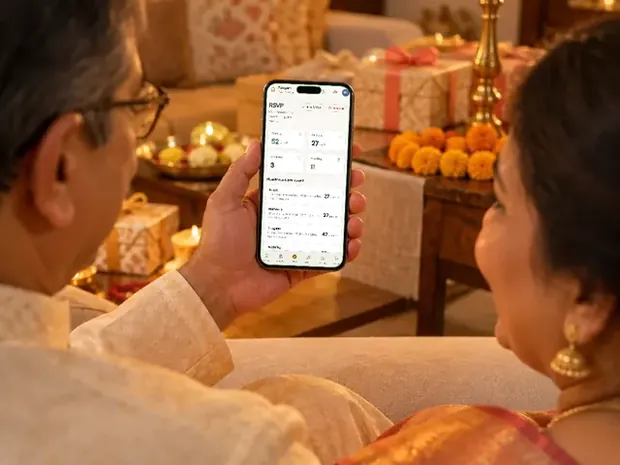
Families often ask us for the wedding invitation "as a PDF". It is what many relatives expect: one file on WhatsApp, saved in the phone, printed for the puja. It is also the format that causes the most trouble when a time changes a week before the wedding.
Here is what a PDF, an image and a link each do once they reach a guest's phone, what PDF cards cost from the sellers we checked today, how to make one yourself, and when it makes sense to send both.
PDF, image or link: what each one does
The three formats look alike in a WhatsApp chat. They behave very differently afterwards.
| PDF file | Image (JPG or PNG) | Invitation link | |
|---|---|---|---|
| How it arrives | A document the guest taps and downloads | A picture in the chat, compressed unless sent as a document | A preview card that opens in the browser |
| Several functions | One page each, the guest scrolls | One image each, or one crowded image | Every function on its own card |
| If a time or venue changes | Make a new file and send it again | Make a new image and send it again | Edit once; the link already sent shows the change |
| Map | Text address, or a link the guest may not notice | Text address only | A button that opens the map |
| Replies (RSVP) | No | No | Yes, with a headcount |
| Printing | Yes, the best format for it | Yes, if the resolution is high | No, unless you also have a PDF |
| Music, animation | No | No | Yes, if the design has them |
| Stays on the guest's phone | Yes, in their files | Yes, in their gallery | As a message they can open again |
In short: a file is something a guest keeps; a link is something you keep control of. That is the whole decision, and it is why the question is rarely "PDF or link" but "who gets which".
When a PDF is the right choice
- Printing a few cards. For the card puja, the temple, the grandparents' cupboard or the family album, you need a file a printer can use. A PDF keeps the text sharp at any size.
- Elders who keep documents. Some relatives save everything important as a file and open it again from their downloads. A PDF fits how they already use the phone.
- Guests who will not open links. A few people never tap a link from a message, out of habit or caution. A document from someone they know feels safer to them. (Our guide on whether a wedding invitation link is safe covers the other side of that.)
- Email to offices and officials. A PDF attached to an email reads as formal, which suits a senior colleague or a client.
What PDF wedding cards cost (checked on 2 November 2026)
We read each seller's own page on 2 November 2026. Prices and terms change, so check before you pay.
| Price shown | What you get | Who makes it | |
|---|---|---|---|
| Canva | Free to make; some templates and features need Canva Pro | Any number of pages, downloaded as a PDF | You |
| MyInvitations.io | ₹59 to ₹149 per template (16 shown) | A one-page or three-page PDF, downloaded right after payment | You, in their editor |
| DesiEvite | ₹149 for a three-page card | An editable PDF (and JPEG), downloaded after payment | You, in their editor |
| Happy Invites | Mostly ₹650 to ₹900, marked per page or per slide; two four-page DIY cards at ₹400 | PDF designs; delivery time and revisions not stated on the page | Their designers, or you for DIY |
| Invifest | ₹1,000, added to an invitation | Your finished invitation's own pages as one PDF, within 3 days of the final invite | Us, from the invitation we made for you |
The cheapest options are templates you fill in yourself. A designer PDF costs more because someone lays out your functions, your names and your wording for you. Our cost guide puts these prices next to invitation websites and video invites, and Canva or a designer compares doing it yourself with having it made.
How to make a wedding invitation PDF yourself
- Pick the page size firstFor phones, a tall page (9:16, the shape of a phone screen) reads best: one page fills the screen and nobody has to zoom. For printing, choose the card size your printer uses (A5 is common) and keep a margin. You cannot make one file perfect for both.
- Put the names on page one, near the topWhatsApp shows a small preview of the first page before the guest opens the file. If that preview shows a border and a blank space, the guest does not know whose wedding it is.
- One page for each functionDate with the weekday, time, venue, and the dress code if there is one. A final page with every function by day helps guests who only want the schedule.
- Write the address as text, and the map link in fullMany PDF readers on phones do not make links tappable. A full address can still be copied into a maps app.
- Export for the useIn Canva, the PDF option meant for print gives a sharper, heavier file; the standard option is lighter and fine for phones. Canva changes the names in its download menu now and then, so pick the one labelled for print when the file is going to a printer.
- Check the file sizeAim for a few MB. The PDFs we make for families run to about 2 MB for 11 pages, because every picture is resized to the size it is printed at. A 40 MB file can stall on a weak signal in a village or on a train.
- Open it on two phones before sendingOne Android, one iPhone, ideally an older one. Look at every page: cut text, a missing picture, a wrong date.
Sending a PDF on WhatsApp
Attach it as a document, not from the gallery. On Android tap the paperclip, on an iPhone the plus sign, then Document, and pick the file. Sent this way it arrives byte for byte as you made it; sent as a photo, WhatsApp compresses it.
Name the file properly before you send it: "Aarav and Meera, Wedding Invitation.pdf" reads far better in a chat than "final_v7_FINAL.pdf", and the file name is what the guest sees in their downloads later.
Write a line with it, the way you would hand over a card: the guest's name, whose wedding it is and the dates. A file with no message looks like a forward. Our WhatsApp messages have wording to copy, and how to send invitations on WhatsApp covers groups, broadcast lists and timing.
Printing from the PDF
- Ask the printer for a test print of one page before the full run. Colours on paper come out a little different from a phone screen, darker reds especially.
- Print only the pages you need. One family printed only the first five pages of their PDF, up to the family section, for the elders and the card puja. The other pages were for phones.
- A PDF made for phones prints well on a small card. A 9:16 page fits a card about 4.5 by 8 inches. On A4 it leaves wide white margins.
- Thicker paper changes everything. The same file on 300 gsm card looks like a printed invitation; on office paper it looks like a printout.
Sending both: the link to everyone, the PDF for some
This is what we suggest. The link goes to every guest, because it carries every function, the map, the replies and any change made later. The PDF is printed for the puja and a few elders, and sent as a file to the handful of relatives who ask for one.
It works best when the PDF is the same invitation as the link, not a second design, so the two never disagree. When we make an invitation's PDF it is that invitation's own pages, in the same colours and art. One family wanted a function called by a different name in the printed copies, because the elders who would hold them knew it by that name; the link kept its own. Small changes like that are easy when both come from one invitation.
One caution: a PDF cannot follow a change. If a time moves after you have sent the file, message the people who have it, or send a new file with the date in its name. Our guide to a change of venue or date has the wording.
With an Invifest invitation the PDF is an add-on at checkout: every page of your invite, ready to print or send as one file, within 3 days of your final invite. If the invite changes later we make the PDF again once, free. You can see a sample PDF before you order, and the designs it comes from, such as Sindoori and Gulmohar, are in all designs. For elders specifically, a digital invitation elders can open has more.
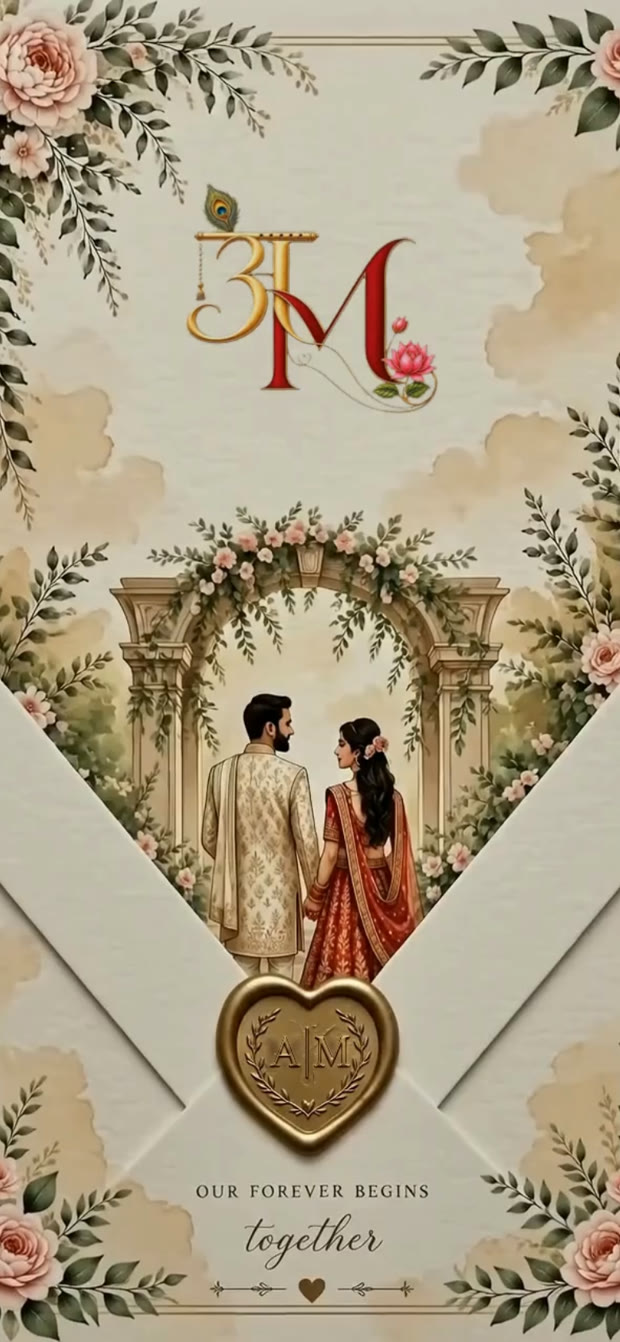
Invitation designs
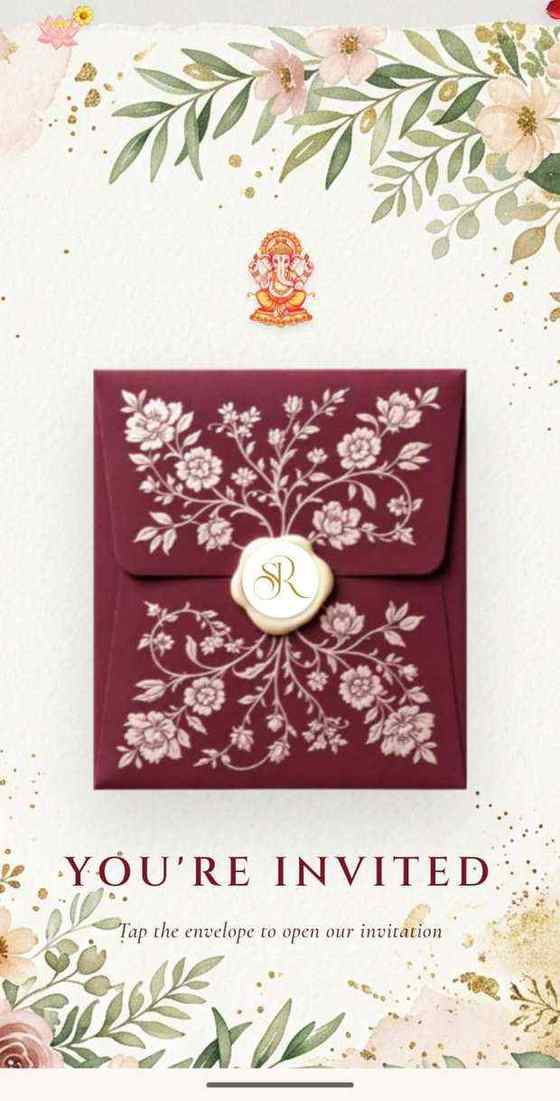
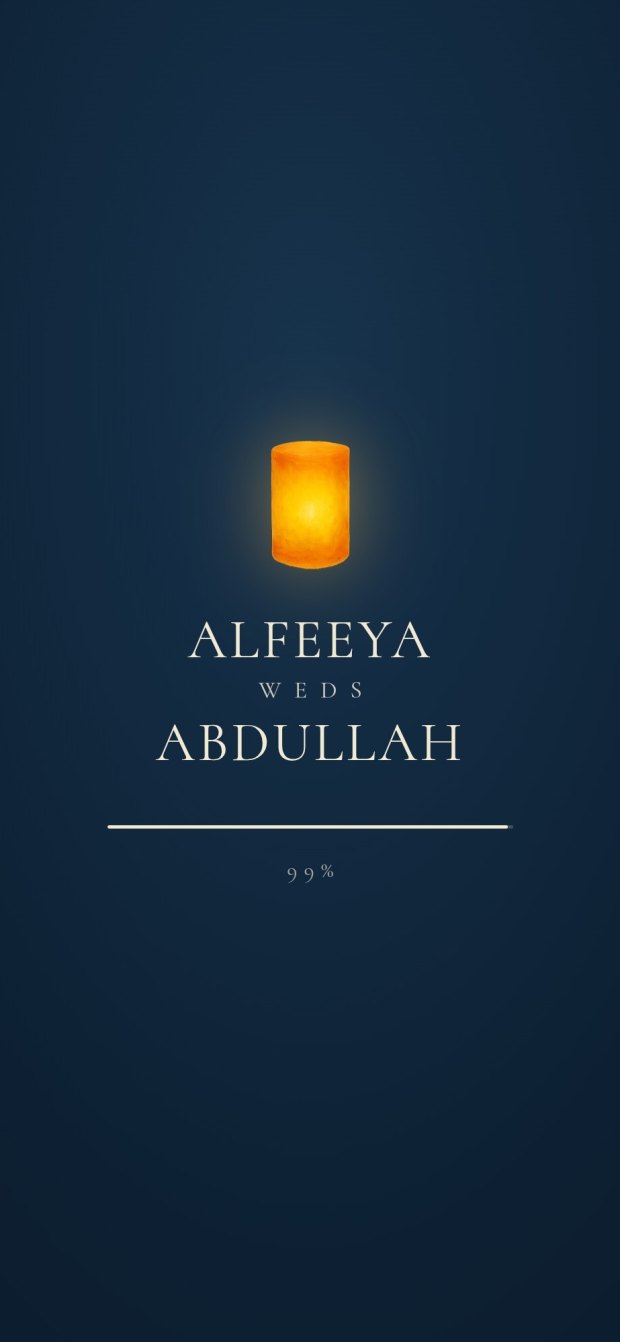
6 designs you can personalise. Open any one to see it full size, with a live demo.
Questions people ask
Is it okay to send a wedding invitation as a PDF?
Yes. Many families still prefer it, especially elders, and it is the best format for printing. Send it as a document with a short personal message, and keep in mind that a PDF cannot change or collect replies after you send it.
How do I send a wedding card PDF on WhatsApp?
Open the chat, tap the paperclip (Android) or the plus sign (iPhone), choose Document and pick the PDF. Sent as a document it is not compressed. Give the file a clear name and write a line with it.
Can a PDF invitation have an RSVP?
Not by itself. You can type a phone number or a form link into it, but many phone PDF readers do not make links tappable, and the replies come back scattered across chats. A link invitation collects replies with a headcount in one place.
Can I get my invitation website as a PDF?
With Invifest, yes: the PDF of your invite costs ₹1,000 at checkout and is your invitation's own pages as one file, ready to print or send, within 3 days of your final invite. If the invite changes later we make it again once, free.
What size should a wedding invitation PDF be?
For phones, a tall 9:16 page that fills the screen, and a file of a few MB so it downloads on a weak signal. For printing, the card size your printer uses with a margin. One file rarely suits both perfectly.
PDF or video invitation?
A PDF is read and printed; a video is watched once, usually with music. Neither changes after it is sent or collects replies. Our video or invitation website comparison goes through it.