QR code on a wedding card: what it should open, how big to print it, and the line to put beside it
A QR code on a printed wedding card: which link it should open, size and placement, the line beside it, and why one code for every guest can show too much.
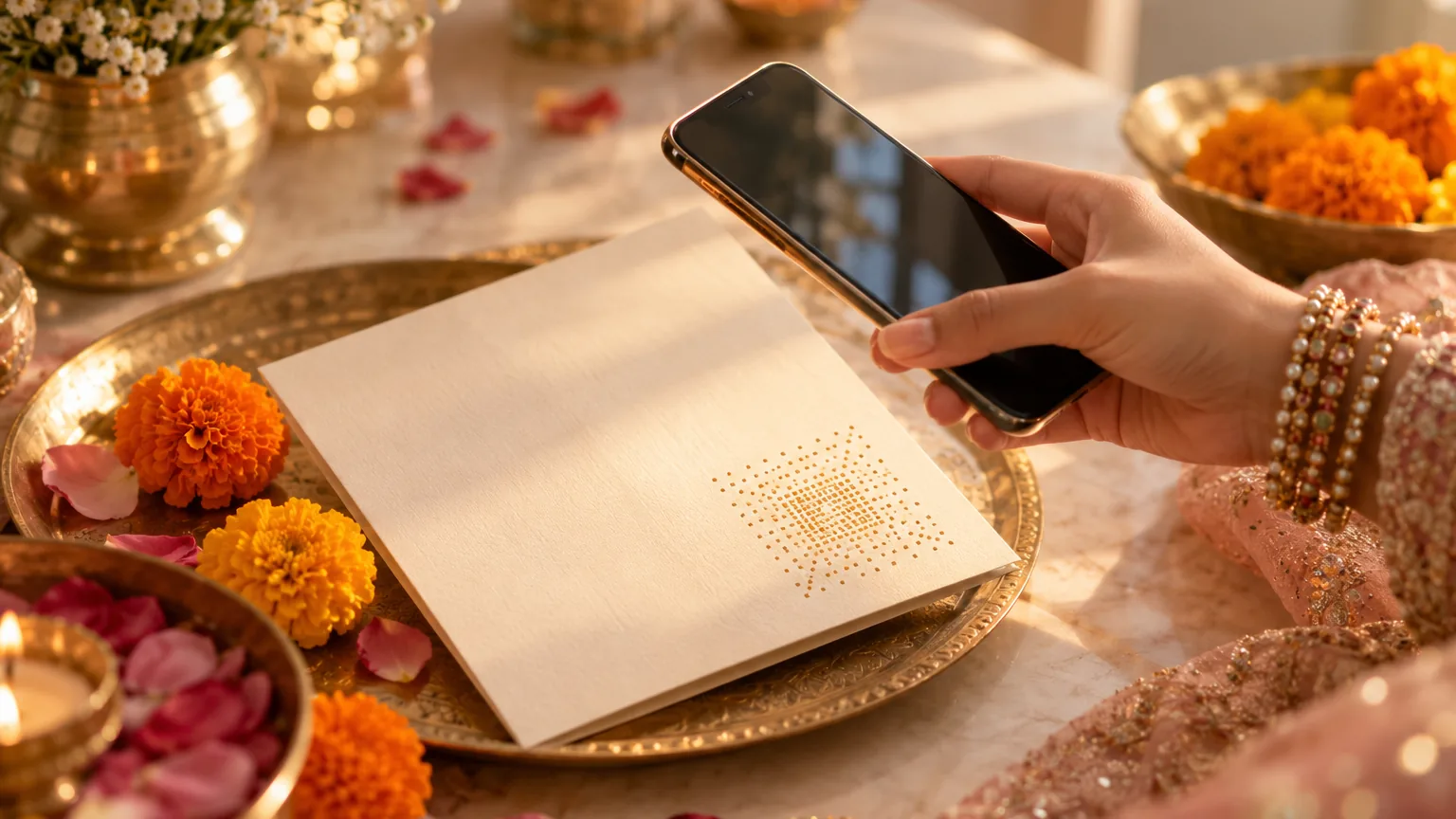
Point the QR code at your invitation link, the same one you send on WhatsApp, so a guest holding the card can reach every function, the map and the reply form. Print it at least 2 cm square on a plain light patch, with one line beside it and the names, date, time and venue printed too. A printed code shows whatever its link shows, so cards for reception guests need the reception link.
On this page
- Why families still print a few cards
- What the QR code should open
- One code for every card can show too much
- How to make a code that still works on the wedding day
- How big, and where on the card
- The line to print beside it
- Real code or scam: what guests should know
- What a QR code on the card does not do
- Wording you can copy
- Designs
- Questions
Even families who send their invitation on WhatsApp still print a few cards: for the grandparents, for the card puja, for the relatives they will visit with sweets. A QR code on those cards joins paper and phone, so the guest holding the card can still open the map and reply.
This guide covers what the code should open, how to make one that still works on the wedding day, its size and its place on the card, the line to print beside it, and the one mistake most QR guides miss.
Why families still print a few cards
On our calls this season, families asked for their invitation as a PDF to print for the elders and for the patrika, and to place before Ganesh ji at the card puja before the first invitations went out. One family wanted a function renamed in the printed copy only, the way the elders in their city say it, while the link kept its usual name. Most families print thirty to fifty cards, not three hundred, and send the link to everyone else.
If you have an Invifest invitation, a PDF of it is an add-on: your invitation's own pages, laid out page by page in the same design, to print a few copies or to send as a file (see a sample PDF). Printing is up to you and your printer. Our guide to printed or digital invitations does the sums for both.
What the QR code should open
Your invitation link, the same link you send on WhatsApp. It has every function, a map for each venue and, if your invitation has one, the reply form. And when a time changes, the printed code still opens the new time: the card cannot be corrected, but the page behind its code can.
- Not a PDF or a photo of the card. It shows what the guest is already holding, and it goes out of date with the first change.
- Not a Google Drive folder. It can ask guests for access, and it breaks when someone tidies the Drive.
- Not a WhatsApp group invite. A printed group link lets in anyone who sees the card.
- Never an app, a payment page or a form that asks for bank details. Guests have been warned about exactly these.
A second code for the map
Some families add a small second code that opens only the venue's map pin, for the driver or for the guest who just wants directions. Put it beside the venue's name on the card and label it "Map". Make it from the venue's own Google Maps pin, after checking that the pin opens the gate guests should use.
Can the QR code do the RSVP?
It can take the guest to the reply form, if your invitation has one: they scan, the invitation opens, and they reply there. The scan itself is not a reply, and nothing is counted until they send the form.
One code for every card can show too much
A QR code is just your link, printed. Whoever scans it sees exactly what the link shows. If the main link of your invitation shows every function, and you print it on the cards for office colleagues and the neighbours, they will find the haldi and the mehndi on it too.
So match the code to the card. Cards for close family can carry the main link. Cards for reception guests should carry a link that shows only the reception: with an Invifest invitation, that is a separate link for one event, which you can add at checkout. Print two batches, one for each link, and keep the boxes apart.
Personal links that greet each guest by name are made for WhatsApp, not for paper: each card would need a code of its own, which few printers will do. Keep personal invitations for the phone, and print the link for the group. Our guide to inviting guests to only some functions explains the tiers.
How to make a code that still works on the wedding day
There are two kinds of QR code. A static code holds your link inside the pattern itself. A dynamic code holds a short address that belongs to the website that made it, which then sends the guest on to your link. QR Code Generator, a company that sells dynamic codes, says on its own blog that they "can become inactive if a free trial ends, a paid plan lapses, or you reach platform limits" (its article). A card printed in October has to work in December, so make a static code, for a link that does not expire. An Invifest invitation link has no expiry date.
- Wait for the final invitationMake the code only when the invitation is final, from the link your guests will use, not a draft.
- Make a static codeChrome on a computer makes one for any page you have open: More, then Cast, save and share, then Create QR code, then Download (Google's help page). Any generator that says "static" and asks for no account works too.
- Keep the link as it isA longer link makes a busier pattern, but do not put it through a link shortener: guests have been told to distrust short links, and a shortener is one more service that has to keep working until the wedding.
- Send the printer a large fileGive them the biggest file you can, so the code stays sharp when it is resized for the card.
- Scan the printer's proofOn three phones, one of them old, in ordinary room light. Check that it opens the final invitation, not a draft.
How big, and where on the card
- At least 2 cm square. Bitly, which makes QR codes, says a code should be at least 2 cm by 2 cm for most scanners, and that the distance it can be read from is about ten times its width (Bitly's guide). On a card held in the hand, 2.5 to 3 cm is more comfortable.
- Much bigger on a standee. A welcome board read from one or two metres away needs a code 10 to 20 cm wide, by the same ten-to-one rule.
- A blank margin all round. DENSO WAVE, the company that invented the QR code, says a code needs a clear margin four modules wide on every side, where nothing is printed (its page). The modules are the small squares of the pattern, so leave a few millimetres of plain card around it, with no border or flower touching it.
- Dark on light. Black or deep maroon on an ivory card scans well. Gold foil, embossing, glitter, and pale ink on a dark card often do not.
- Flat and whole. Not across a fold, not on an envelope flap that bends, and not cut off by the edge of the card.
- On the back, or inside. Most families keep the front for the invocation, the names and the art, and put the code on the back or beside the venue and RSVP lines inside.
And print the essentials as well: the names, the date, the time and the venue. Some guests will never scan the code, and a card that only says "scan for details" leaves them with nothing. Print the full link in words under the code too, for those who would rather type it.
The line to print beside it
A code on its own is a puzzle. One line beside it tells the guest why to scan it: for the functions, the map and the reply. Keep it short, in the language of the card, and put it where the eye goes next. Versions in English, Hindi and Roman Hindi are below, with one for the elders who have never scanned anything.
Real code or scam: what guests should know
Guests have been warned about fake wedding cards on WhatsApp, and QR codes have scams of their own. The RBI's booklet on frauds tells people to "Never scan any QR code to receive money", and warns that scanning a payment code can let fraudsters take money from your account (RBI, BE(A)WARE). A wedding card's code is not a payment code. It should open a web page, and nothing else.
- Scan it with the phone's camera, not with a payment app.
- Read the address before you open it. Most phone cameras show the link first. It should be the invitation's own address.
- It should never ask for a PIN, an OTP, a payment or an install. If it does, stop and call the family.
For hosts: print only your own invitation's link, say on the card what it opens, and our guide to telling a real invitation from a scam has the full checklist for guests. Who can see the page behind the code is covered in private wedding websites.
What a QR code on the card does not do
It does not check guests in at the gate. That is a separate service some guest-management companies sell: Wedence's Signature plan, for example, lists a "QR arrival desk" on its pricing page, checked on 27 October 2026. Invifest does not offer QR check-in. The code on a family's wedding card has one job: getting the guest from the paper to the invitation.
Lines to print beside the QR code
Short lines for the card, in English and Hindi. Print the full link under the code as well, for anyone who would rather type it. Change what is in [square brackets].
Scan for every function, the venue map
and to send us your reply
[full link]
For the programme, directions to the venue
and to let us know you will join us,
kindly scan this code.
[full link]
सभी कार्यक्रम, स्थान का नक्शा और अपनी स्वीकृति भेजने के लिए
यह कोड स्कैन करें।
[full link]
Saare function, venue ka naksha aur apna jawab,
is code ko scan karke dekhiye.
[full link]
Phone ka camera kholiye aur is code ki taraf rakhiye.
Poora nimantran khul jayega.
[full link]
Scan for the map to [venue name]
Scan for the reception details and the map
[reception link]
Want these words on a real invitation? See the designs.
Invitation designs
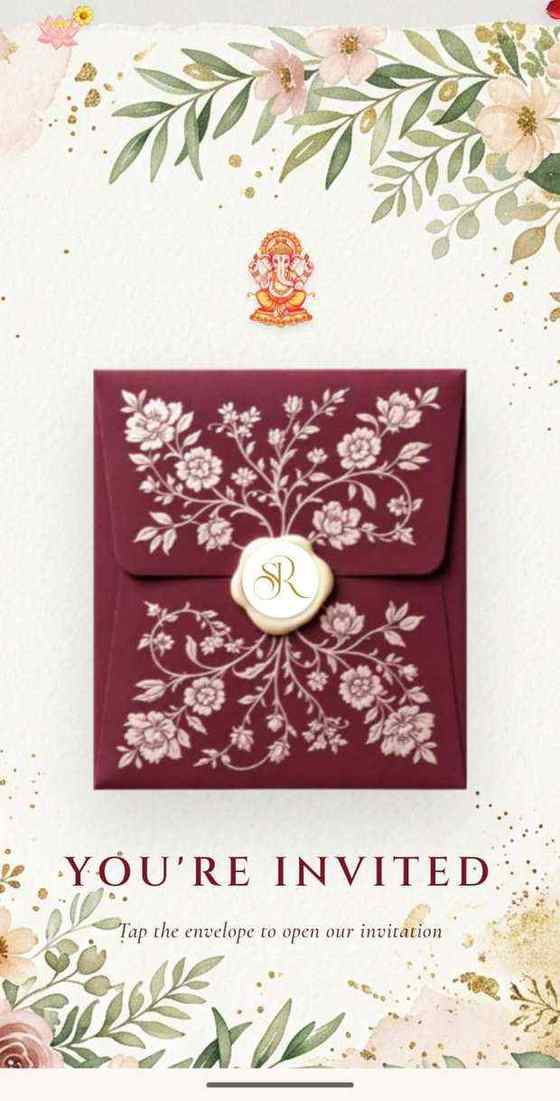
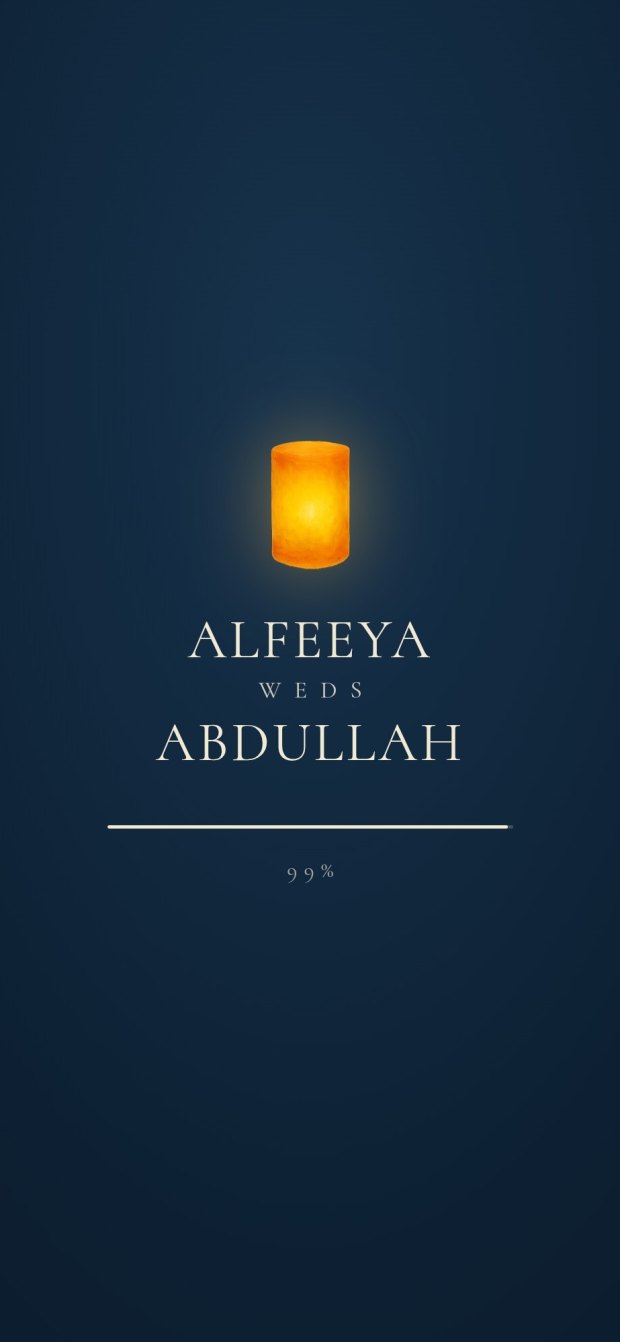
6 designs you can personalise. Open any one to see it full size, with a live demo.

Questions people ask
Can I put a QR code on my wedding card?
Yes. Point it at your invitation link so guests can reach every function, the map and the reply form, and print the names, date, time and venue as well, for those who will not scan it.
What should a wedding card's QR code open?
Your invitation link, the same one you send on WhatsApp: not a PDF, a photo of the card or a Drive folder. If the cards go to reception guests, use a link that shows only the reception.
How big should the QR code be on a wedding card?
At least 2 cm square, and 2.5 to 3 cm is more comfortable. Bitly's rule of thumb is that a code can be read from about ten times its width, so a standee read from two metres away needs a code about 20 cm wide.
Do wedding QR codes expire?
A static code does not: it holds the link itself, and works as long as the link does. A dynamic code from a generator website can stop working when a free trial or a plan ends, so use a static one.
How do I make a QR code for my wedding invitation for free?
Open your final invitation in Chrome on a computer, choose More, then Cast, save and share, then Create QR code, and download it. Any generator that makes a static code without an account also works.
Can guests RSVP by scanning the QR code?
The code opens the invitation, and the guest replies on its reply form, if it has one. The scan itself is not a reply.
Can a QR code show guests the venue location?
Yes. Make a second small code from the venue's Google Maps pin and print it beside the venue's name, labelled "Map", after checking the pin opens the right gate.
Where should the QR code go on a wedding card?
On the back, or inside beside the venue and RSVP lines: flat, not across a fold, with a short line beside it and the full link printed under it.
Can the QR code be used for check-in at the venue?
Not this one. Check-in passes are a separate service that some guest-management companies sell. Invifest does not offer QR check-in.
Is it safe to scan a QR code on a wedding card?
From a family you know, yes, if it opens a web page. Scan it with the camera, not a payment app, and stop if it ever asks for a PIN, an OTP, a payment or an install.