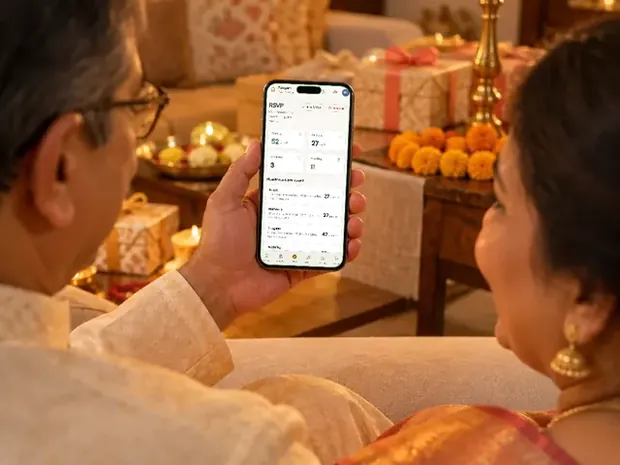
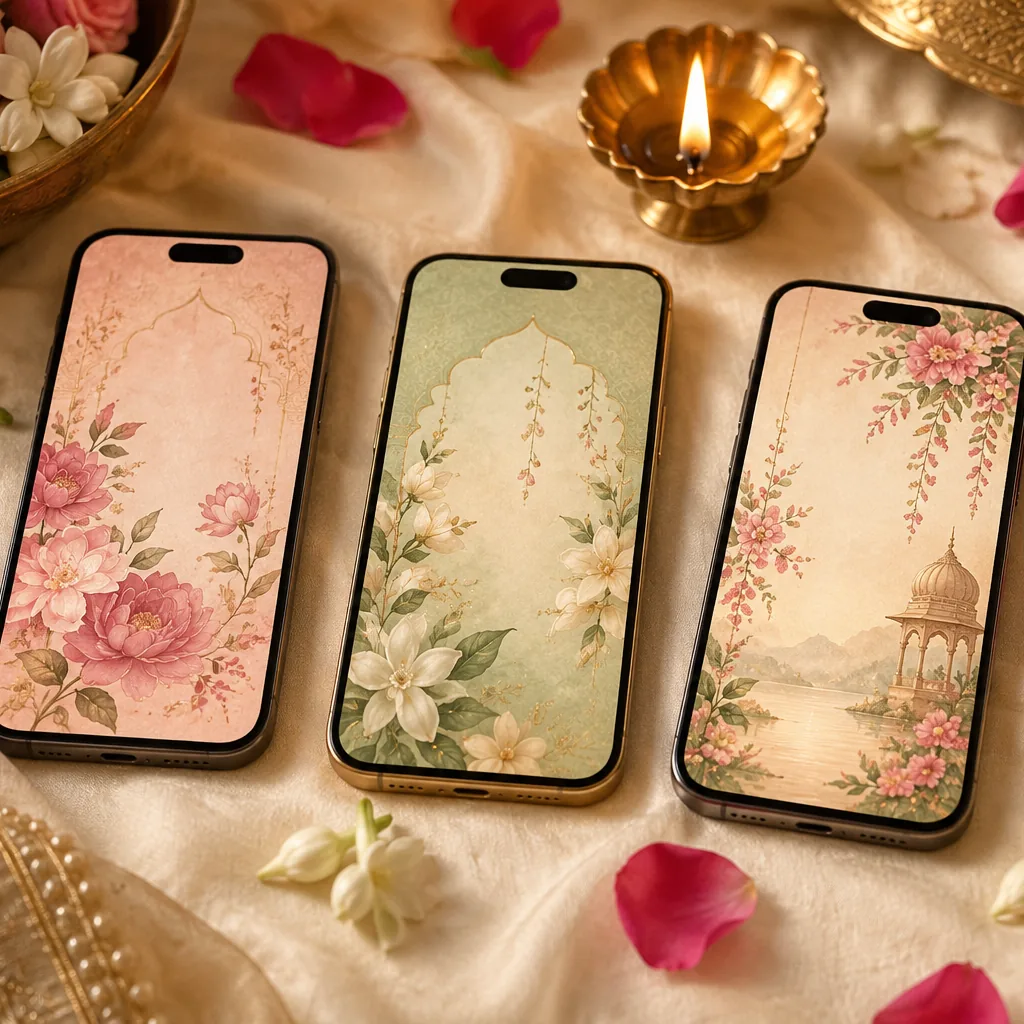
Animated wedding invitations: a video, a GIF or a website that moves, and what works on every phone
Animated wedding invitations compared: video, GIF and animated website. What moves well, what confuses elders, what stops in battery saver, and the cost.

An animated invitation is one of three things: a video file, a short silent GIF, or a website link that moves as guests open it. For a wedding with several functions the website does the most, because it carries maps and replies and changes after you send it. But Reduce Motion, Low Power Mode and battery savers can stop animation, so choose one that is still complete with every animation switched off.
On this page
Ask for something better than a printed card and you will soon hear the word 'animated'. It can mean a film that plays in the chat, a little loop that moves on its own, or an invitation that opens like an envelope when a guest taps it. Each one behaves differently once it lands in a family WhatsApp group.
This guide compares the three, shows what moves well on a real invitation and what confuses elders, and explains the one test most animated invitations are never put through: what a guest sees when their phone has switched animation off. We make animated invitation websites, so weigh our view with that in mind. Every other company's price below is from its own page, checked on 27 October 2026.
Video, GIF or a website that moves
All three can look beautiful. They differ in what they can hold and in what happens after you press Send.
| Video (MP4) | GIF | Animated website (a link) | |
|---|---|---|---|
| How it arrives | A file that downloads into the chat | A short loop that plays in the chat | A link with a preview picture; one tap opens it |
| Sound | Yes, your song | None: a GIF has no sound | Yes, starting from the guest's tap |
| How long it lasts | Usually a minute or two | A few seconds, looping | As long as the guest keeps scrolling |
| Change a time after sending | Make and send a new file | Make and send a new file | Edit once; the same link shows the change |
| Maps and replies | No | No | A map for each venue and a reply form |
| With animation switched off on the phone | Plays when tapped | Plays when tapped | Complete only if it was built for it |
A video is the easiest to forward and the hardest to correct. A GIF is a teaser, not an invitation. A website is the only one of the three that can hold six functions with their maps and collect replies, which is why it suits an Indian wedding best. Our guide to a video or a website weighs the first and the last in more detail.
What an animated invitation costs
Prices below are from each company's own page on 27 October 2026. Several are festive or sale prices, so check before you buy.
| Kind | Example | Price | Who makes it |
|---|---|---|---|
| GIF | VideoGiri's GIF invitations | Rs. 1,199 to Rs. 1,799 (sale prices) | Its designs, with your details |
| Video | MakeMyInvite, a catalogue design | ₹1,900 to ₹6,000 | Its designers set in your details |
| Video | MakeMyInvite, illustration redrawn for you | ₹8,000 to ₹18,000; bespoke from ₹25,000 | Its designers |
| Animated website | Wedence, two free designs | Free; other designs ₹499 or ₹799 each | You, in its editor |
| Animated website | Amantrran | ₹5,500, or from ₹8,000 for a bespoke design | Its team |
| Animated website | Invifest (ours) | ₹2,499 to ₹7,000 a wedding design | Our designers, by hand |
| A film of an animated website | Invifest's 4K video of your invite | ₹1,100, as an add-on | Made from your finished invite |
More studios that animate invitations from scratch, with their prices and timelines, are in our list of custom e-invite designers, and every kind of invitation is sorted by budget in the cost guide.
Why an invitation must still work with animation switched off
This is the part that is easiest to miss. Phones have settings that stop animation, and guests switch them on, sometimes without knowing they have:
- Reduce Motion on an iPhone (Settings, Accessibility, Motion). With it on, Apple says, "animation and effects in certain apps are disabled" (Apple's page). It exists for people who find moving screens uncomfortable.
- Low Power Mode on an iPhone. Apple lists "Turns off some visual effects" among what it does, and on iPhones where Adaptive Power is on, it switches itself on when the battery drops below 20% (Apple's page). By the evening of a long function day, that can be any guest.
- Remove animations on Android, in the accessibility settings. Google says it reduces "various system and image transition effects" in apps that support it (Google's page). Battery savers on some Android phones can do the same.
- The browser built into an app such as WhatsApp or Instagram, where many guests open the link, does not always behave like Chrome or Safari.
Here is why that matters. Some animated websites show their words only through an animation: a line fades in as you scroll, a card slides into place. If the animation never runs, the words never appear. We learned this on one of our own invitations. With one accessibility switch on an iPhone, it showed its opening and then nothing below it. Every word was on the page, at the right size, and invisible.
Since September 2026 our rule has been that an invitation is not finished until it is complete with every animation switched off. Words rest in their visible place and the animation only adds movement on top. Anything revealed as you scroll also appears on its own after a moment, and any scroll the page makes for you has a plain jump to fall back on. We check each new invitation section by section with the setting on, because the guests it affects are often exactly the ones you most want to reach.
Test any animated invitation in two minutes
- Switch animation offOn an iPhone: Settings, Accessibility, Motion, Reduce Motion. On Android: Settings, Accessibility, Remove animations (some phones keep it under Colour and motion).
- Switch the battery saver onLow Power Mode on an iPhone, or Battery saver on Android.
- Open the invitation from WhatsAppSend the link to yourself and tap it in the chat, the way a guest would.
- Scroll to the very endEvery function's date, time and venue should be there and readable, the map buttons should open, and the reply form should send.
- Switch the settings backThen do the same test once on the oldest phone in the family.
What moves well on a real invitation
The best animation on an invitation does one job at a time and never stands between a guest and the facts. These are the moments that work on our designs, with the live demo to try on your phone:
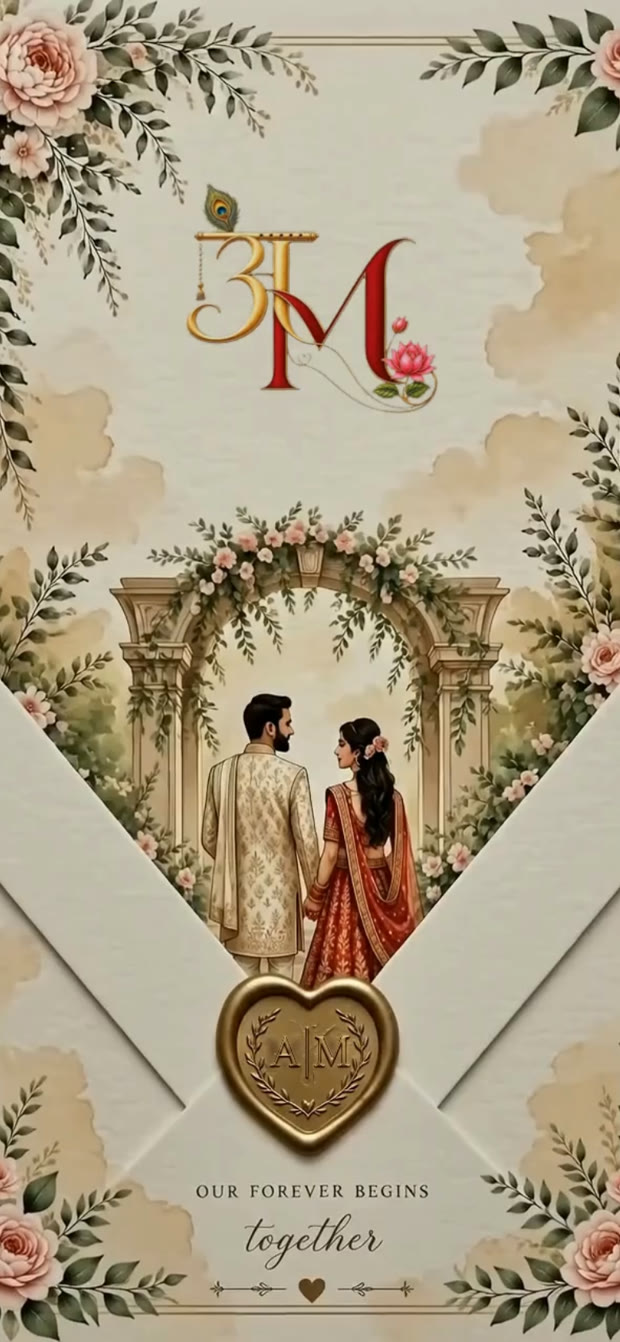
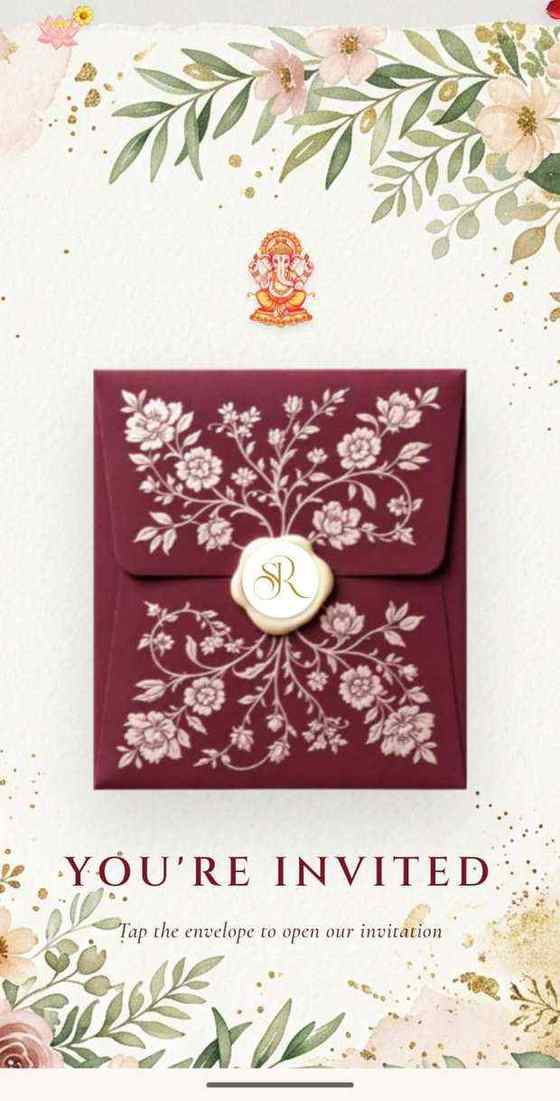
- A seal that breaks on a tap. Sindoori arrives as a red envelope with the couple's initials on a wax seal. The tap matters twice over: it tells the guest what to do, and it is what lets the song start, because an iPhone plays a page's sound only after a tap.
- A short opening film. On Cana, the tap breaks a sage wax seal and a short film swings the gates open. One short film, one action, then the invitation.
- A date to scratch. Bansuri asks guests to scratch to reveal the date. A scratch card should finish by itself: on one of ours, the date reveals once a little over a third of the foil is cleared, or eight seconds after the first touch, so a guest who rubs once is never stuck.
- Photos that land one at a time, like a stack of polaroids, also on Bansuri. The movement is in the photos, never in the timings.
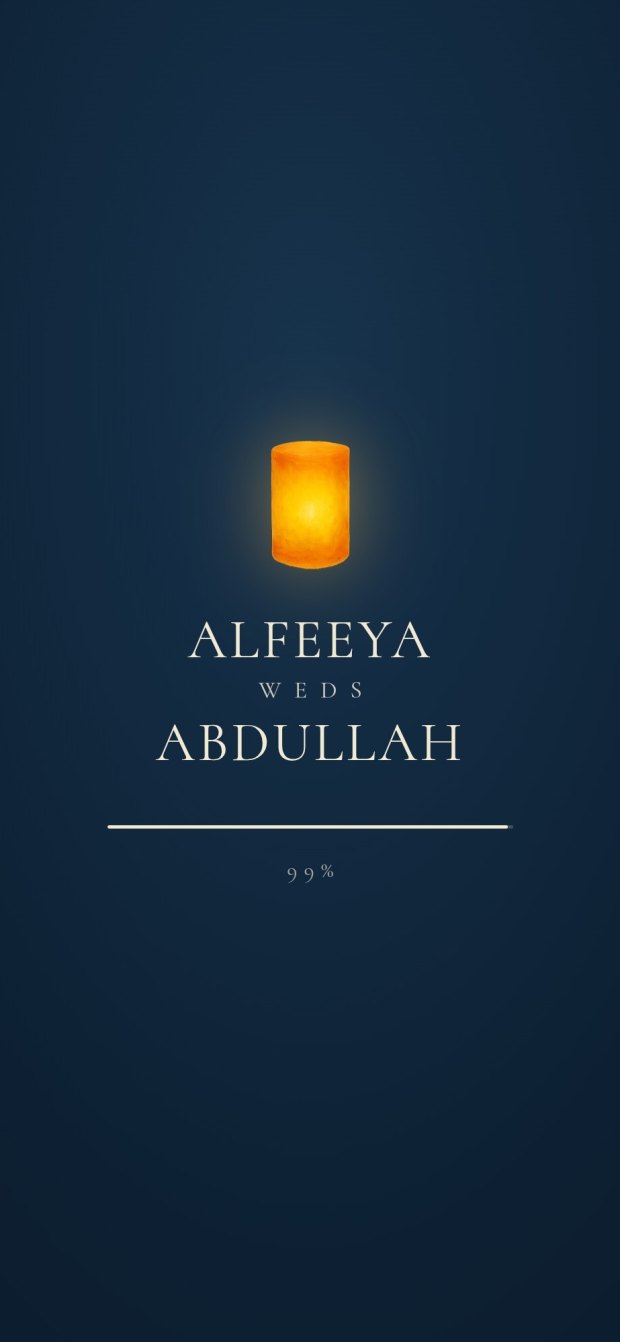
- A scene that rises as you scroll. On Qandeel, sky lanterns rise over a sandstone dome and the couple appears beneath the arch as the guest scrolls down.
Design by design, twelve real examples show what else each one does.
What confuses elders
One family's elders turned down two opening films that the couple loved. One was built on a memory only the two of them shared, a night at a cafe; the other on a metaphor that had to be decoded, with five things happening in twenty seconds. The elders kept pointing to another invitation instead: bright, one thing happening at a time, and the card simply arriving. Our brief to ourselves after that was short: minimal, clear, easy, without too much animation.
So we now judge every opening by the oldest guest. It has to make sense in two seconds to a seventy-year-old who knows nothing about the couple, with one or two things moving, not five. The story of how you met goes inside the invitation, where the people who know it will enjoy it, not on its front door. It also helps to ask for the tap in words, such as 'tap to open', instead of leaving it to be guessed. Our guide to invitations for elderly guests has more.
When to send a video as well
Some relatives would rather watch than tap, and a video plays when tapped, whatever the phone's motion settings. It can also run on the screens at the venue and go on Instagram. The answer for most families is both: the website as the invitation, and a video for the people who will never open a link.
Our 4K video of your invite is made from your own finished invitation: its words, its art and its song, every page coming alive in turn, in 4K and in a light 720p for WhatsApp. It is made once, from your final invite, and reaches you within 3 days of it; the film itself has no changes, so make it once the invitation is settled. You can watch a sample film first. For a video made on its own, from a template or from scratch, see our guide to wedding invitation videos.
GIF, 3D and interactive invitations, explained
- A GIF invitation is a few seconds of looping movement with no sound. It suits a save the date or a teaser before the real invitation, but it cannot carry several functions with maps or take replies, and a mistake in it means sending a new one.
- A 3D invitation is almost always a video whose couple and scenes are drawn to look three-dimensional. It is a video, with a video's strengths and limits.
- An interactive invitation is one the guest taps: an envelope that opens, a date that is scratched, a reply that is sent. That means a website, and it is the only kind that can change after you send it.
Invitation designs
6 designs you can personalise. Open any one to see it full size, with a live demo.
Questions people ask
Can I make an animated wedding invitation online for free?
Yes. On 27 October 2026, Wedence's pricing page offered two free animated invitation designs, Wedding Cinema and Bellagio, that you fill in yourself, with no watermark. Free tools usually mean you make it yourself; our guide to free invitation makers lists the catches.
Will an animated invitation open on my grandmother's phone?
A website opens in the phone's browser with nothing to install. Whether she sees all of it depends on whether it still works with animation switched off. Test it with Reduce Motion or Remove animations on before you send it.
Why does the music not play by itself on an iPhone?
An iPhone lets a web page start sound only after a tap. That is why good animated invitations open with a seal or a button: the guest's tap starts the song as well.
Is a GIF enough for a wedding invitation?
For a save the date or a small function, it can be. A GIF has no sound, no maps and no replies, and it cannot be corrected after it is sent, so for a wedding with several functions send a link as well.
Which is better, an animated video or an animated website?
A website, if guests need maps, a reply form and the right time after a change. A video, as well, for relatives who would rather watch than tap. Our guide to a video or a website compares the two.
Can our animated invitation also be sent as a video?
Yes. Our 4K video of your invite turns your finished invitation into a short film with your song, in 4K and in 720p for WhatsApp. It is made once from your final invite, so order it when the details are settled.